What size should a Wattpad cover be?
This generator targets 512 x 800 for Wattpad-ready story covers. More important than the number alone is keeping the title readable in thumbnail view.
Create mobile-first Wattpad story covers that stay clear in thumbnail view, fit the 512 x 800 format, and are ready to upload in minutes.
Wattpad-ready story cover • 1 credit per generation

Use the same core generation flow, but output a Wattpad-ready 512 x 800 story cover.
0 / 1200
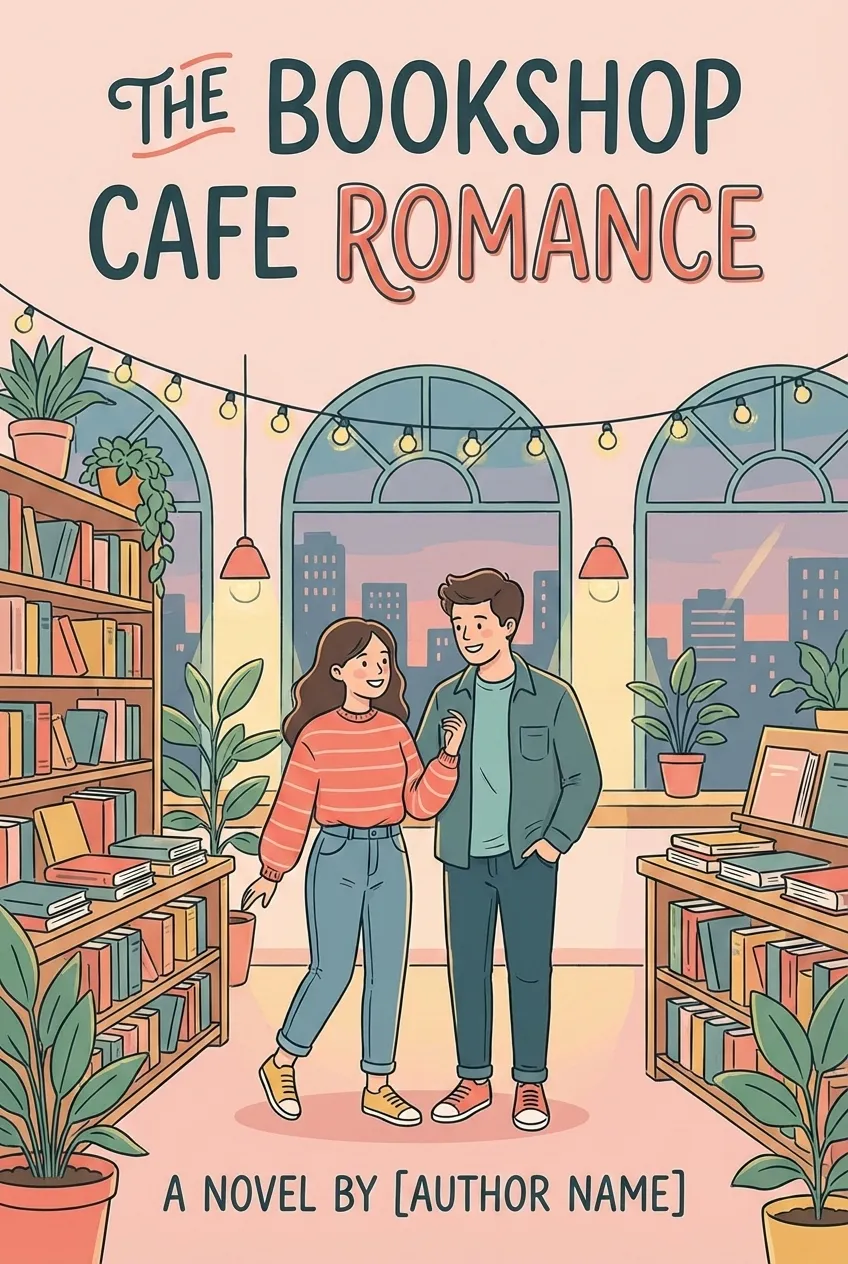
512 x 800 px • story cover only • direct download
Wattpad readers usually discover stories through small mobile thumbnails. Your cover needs to stay legible, focused, and emotionally clear before anyone opens the full image.
The cover usually has to earn the click in a small mobile feed card, not on a large product page.
If your text only works at full size, it is too fragile for Wattpad browsing behavior.
Too many faces, props, or effects turn into visual noise when the cover shrinks.
Readers should understand the mood and category within a second, even in thumbnail view.
Keep the process short: define the story signal, pick the visual direction, generate, and upload.


Add your title, author name, and a short prompt describing mood, setting, and visual hook.


Pick a genre-aware style so the cover feels native to the kind of stories Wattpad readers already browse.


Create a story cover that keeps the text and focal point readable when scaled down.


Download the finished 512 x 800 image and use it directly on your Wattpad story page.
A strong Wattpad cover is not just attractive. It communicates genre, emotion, and hierarchy fast enough to win attention in a small mobile card.
The title should still be readable at a glance without relying on thin, decorative lettering.
One clear character, object, or visual hook performs better than a crowded montage.
The cover should immediately feel like the kind of story the reader expects to open.
Text and imagery need enough contrast to stay visible in bright screens and tiny thumbnails.
The main figure, symbol, or object should read immediately instead of blending into the background.
This page is built for the Wattpad story-cover use case: a vertical image that stays readable in small mobile previews and exports at the correct upload size.
The generator now targets the Wattpad-friendly 512 x 800 size directly, so you do not need a separate resize step.
512 x 800 follows the vertical ratio Wattpad covers are expected to use, so your design does not need to fight the frame.
The right pixel size helps, but covers still fail if the title is too small or the scene is too busy.
Keep the composition clean and centered for a portrait cover that will usually be seen on a phone.
Different story categories need different thumbnail signals. These examples point to styles that translate well in a mobile-first reading app.
Soft contrast, emotional focal points, and typography that reads clearly in a small feed.
Big atmospheric shapes, bold silhouettes, and genre-coded color that still survives thumbnail view.
Clean type, emotional contrast, and one obvious character beat usually work better than crowded collage covers.
When the niche is specific, the thumbnail signal has to be specific too. Lean into mood, trope, and clear visual hierarchy.
Most low-click covers fail for the same reasons: weak hierarchy, weak focus, or a design that only works when enlarged.
If the story title disappears in the feed, the cover loses its first job.
Fancy lettering can look good up close and still fail at thumbnail size.
Too many competing elements flatten the image and make the focal point unclear.
If readers cannot tell what kind of story it is, they are more likely to scroll past.
If the cover looks fine enlarged but unreadable on a phone, it will still underperform on Wattpad.
Common Wattpad cover questions, answered without drifting into print-book workflows.
This generator targets 512 x 800 for Wattpad-ready story covers. More important than the number alone is keeping the title readable in thumbnail view.
Yes. The page is built around a short story-cover workflow: title, author, genre, style, prompt, generate, and download.
No. This page is intentionally scoped to Wattpad story covers and does not include spine, back cover, or print-ready export flows.
You can reuse the concept, but Kindle and Wattpad do not optimize for the same cover presentation. Wattpad browsing is especially thumbnail-heavy.
No. This page is positioned as a Wattpad cover maker, not a template download page.
KDP is the main print workflow. These related tools support nearby cover tasks without promising unverified platform exports.
Generate a Wattpad-ready story cover that still looks strong in thumbnail view.