Is the poetry book cover generator free to try?
Yes. New users can try the generator with free credits. You can enter your book details before signing in, and no credit card is required to try it. Sign in when you are ready to generate.
Create a poetry cover shaped around your collection. Add your title, author name, mood, and imagery, then generate and download a 1600 x 2560 eBook front cover.
Free to try · No credit card required

Choose from poetry styles created for different moods, voices, and visual approaches, then add your own title and imagery.
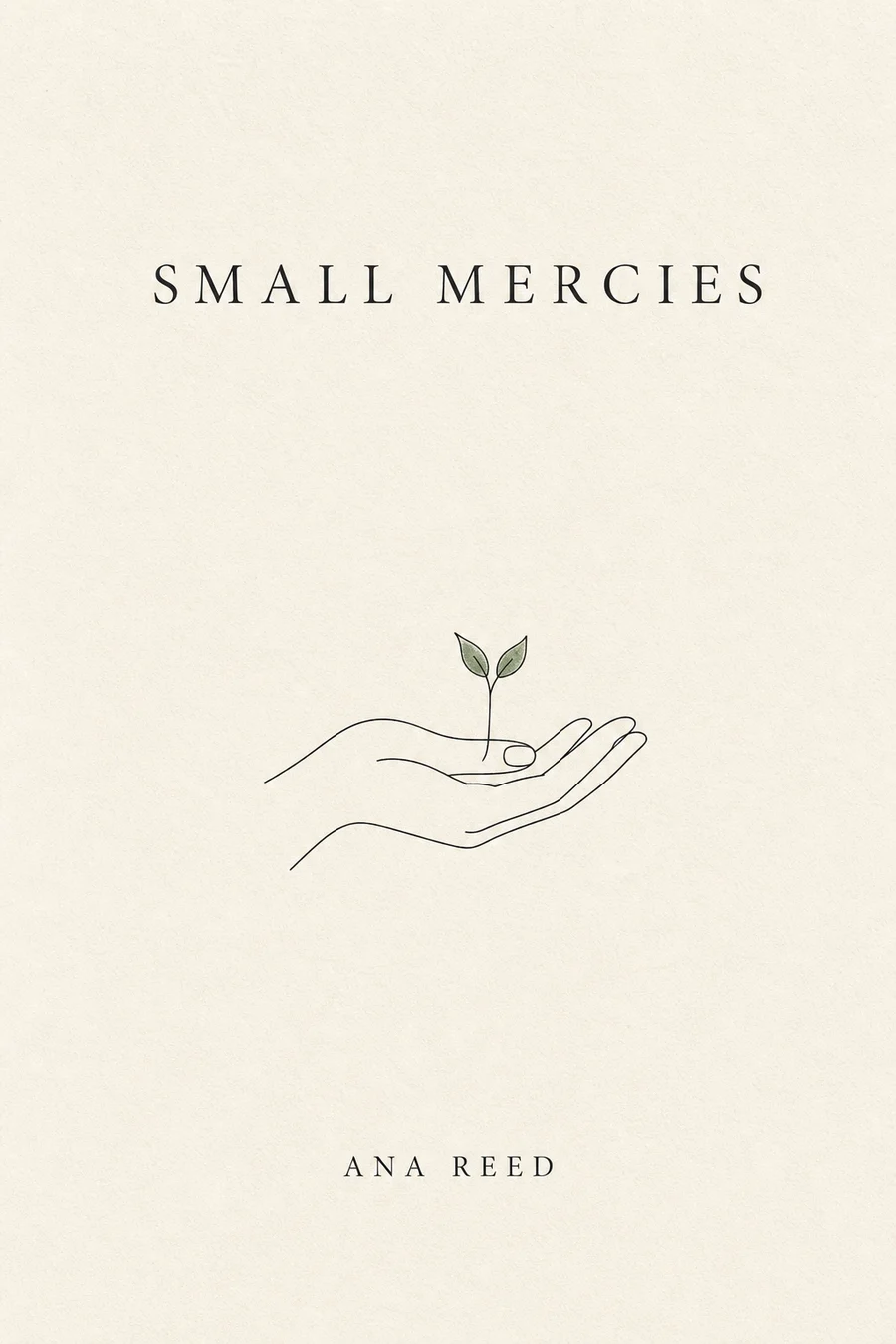
Generous space, one precise symbol, and understated type for spare, intimate collections.
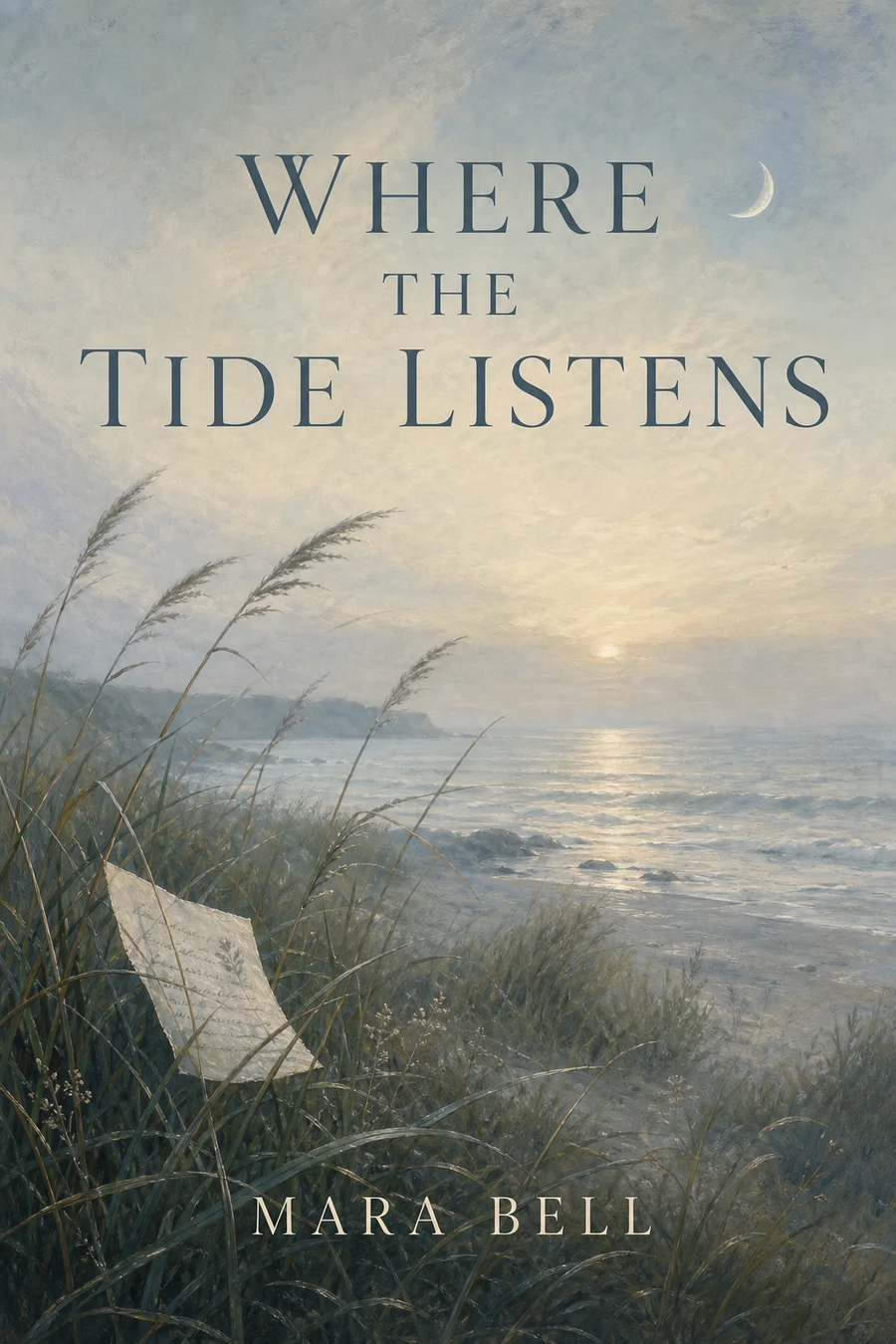
Organic texture, changing light, and seasonal imagery for poems rooted in place, memory, or reflection.
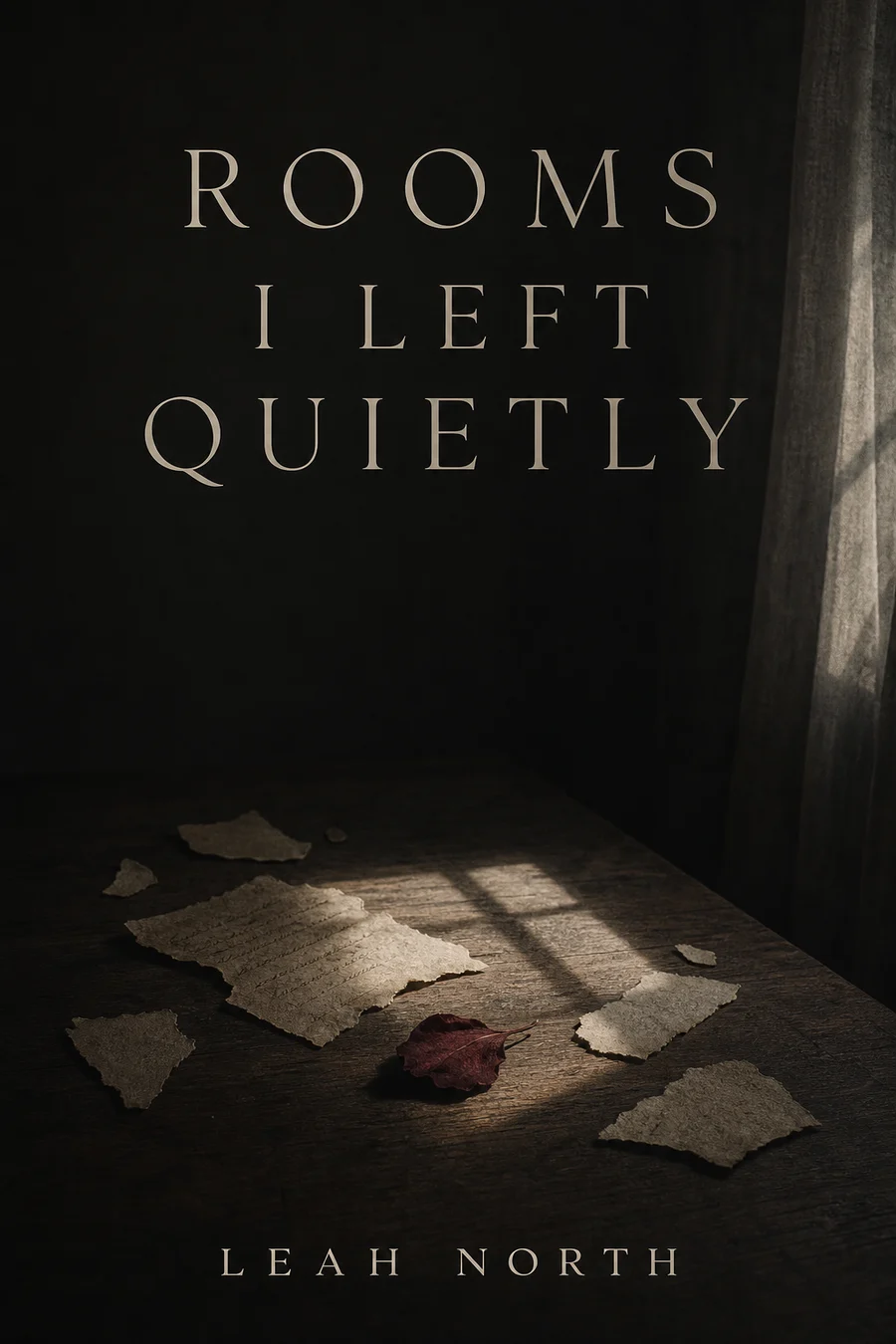
Close framing, human traces, and confident title placement for personal, emotionally direct work.
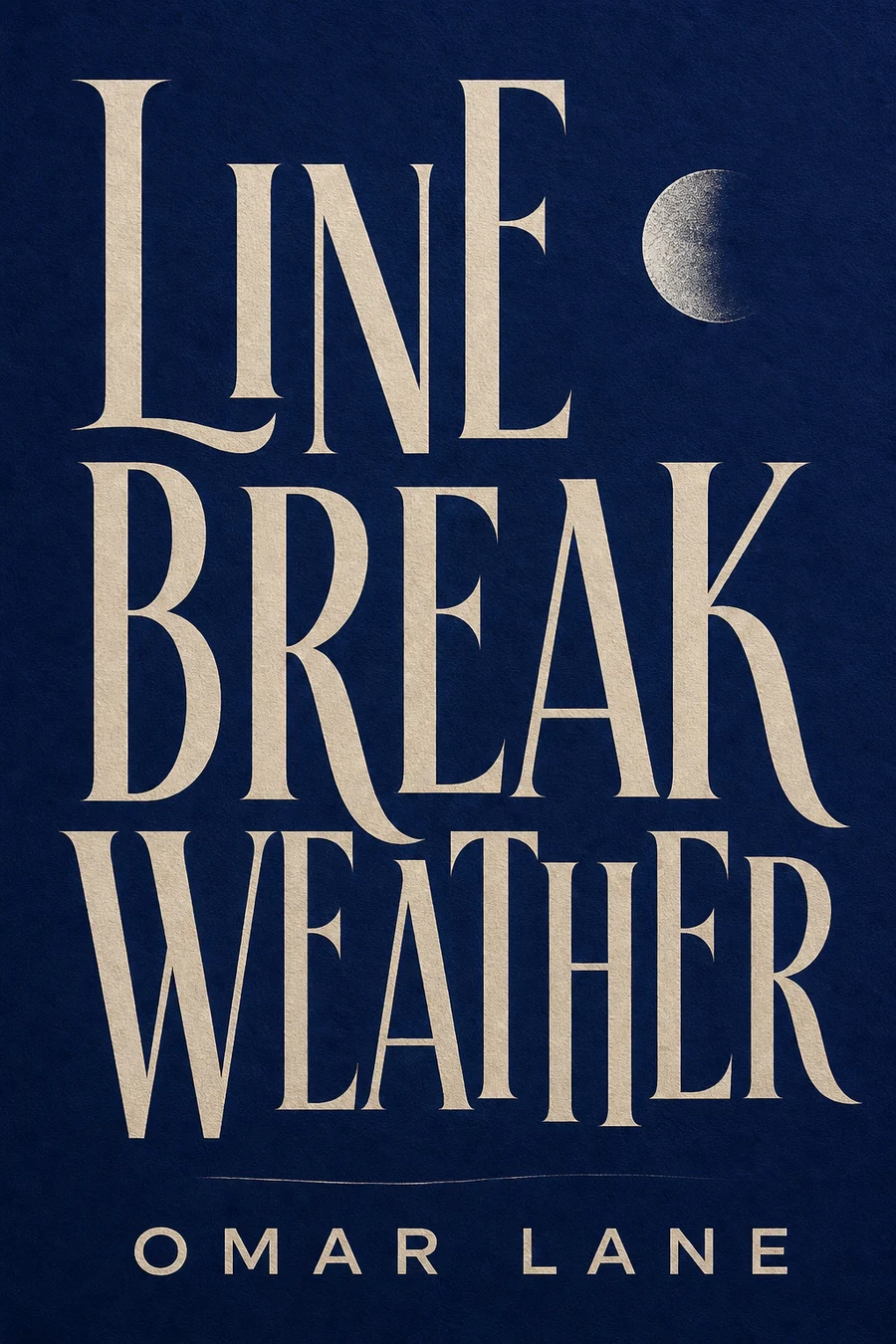
Bold letterforms, unexpected spacing, and strong contrast for contemporary, experimental, or spoken-word collections.
Tell us about your book and choose a genre style to get started.
Genre and style are applied automatically. Add the scene, mood, or details you want.
Use an image you own to guide style, layout, color, or character.
Don't upload photos of real people, celebrities, or stills and fan art from movies, TV, or anime. Those get blocked and the generation fails. Original art, textures, and color palettes work best.
Style Preview
Poetry · Minimalist Poetry
Example imagery updates based on genre and style.
Go from the mood of your collection to a downloadable eBook front cover in four steps.

Start with the visual style that feels closest to your collection.

Add your title, author name, emotional tone, main image, color, and preferred amount of space.

Turn those details into a poetry cover you can review on the page.

Update your description and generate another version if needed, then download the cover you want to use.
Start with one of these examples, then replace the details with images and language from your own poems.
A minimalist poetry book cover for a quiet collection about distance and memory. Warm white background, one small pressed flower, subtle paper texture, generous negative space, and a restrained serif title.
A lyrical poetry book cover inspired by winter coastlines and reflection. Soft gray-blue water, pale morning light, organic texture, and a clear title with room to breathe.
A poetry cover for a collection about grief and memory. A distant window, faded paper, one personal object, a muted charcoal-and-cream palette, and quiet serif typography.
A contemporary cover for bold experimental poetry. Oversized title, sharp black-and-white contrast, unexpected spacing, one vivid red accent, and no literal illustration.
You do not need design jargon. Start with four choices: the feeling, one main image, the amount of space, and the role of the title.

Describe the collection as quiet, raw, romantic, mournful, hopeful, spiritual, surreal, or defiant. Choose one dominant feeling.

Use one symbol or scene, such as a pressed flower, empty chair, distant window, moonlit water, torn letter, or winter branch.

Ask for generous negative space or close framing, then name two or three colors that match the emotional tone.

Say whether the title should feel small and quiet, large and central, or integrated into the image. Keep the author name secondary and readable.
When a result is close but not quite right, change one detail at a time and generate another version.
Keep one mood and one main image so the cover remains clear at thumbnail size.
Replace broad ideas such as flowers and sunset with a particular object, season, texture, or quality of light.
Ask for a calmer title area, clean typography, and stronger contrast when the words are difficult to read.
Choose colors, textures, and imagery that carry the same emotional weight as the poems.
Download a clean JPG for your eBook, or continue into a KDP print workflow when your book needs a spine and back cover.
Clean JPG Download
Download a no-watermark eBook front cover designed around a 1600 x 2560 px canvas.
Use It Across Your Book Launch
Add the cover to your book listing, author website, launch posts, and promotional materials.
Print When You Need It
Continue to the paperback or hardcover workflow only when you are ready to prepare a full cover.
Start with an eBook front cover. Choose a KDP print path only when you need a full wrap.
Size: 1600 × 2560 px
Front cover for eBook publishing. Designed around a 1600 x 2560 px front-cover canvas.
Yes. New users can try the generator with free credits. You can enter your book details before signing in, and no credit card is required to try it. Sign in when you are ready to generate.
Describe the collection's main emotion, one visual image, the amount of space, the color palette, and how prominent the title should be.
No. They are visual starting points. Your title, author name, and description are used to generate a new cover.
Yes. Choose the closest style, then describe the amount of space, typography, contrast, texture, and imagery you want.
You can update your description and generate another version. The current workflow regenerates the cover rather than editing individual layers.
The eBook workflow provides a downloadable, no-watermark JPG front cover designed around a 1600 x 2560 px canvas.
Yes. You can create an eBook front cover for a poetry collection or chapbook. Continue to the print workflow if you later need a spine and back cover.
The first result is an eBook front cover. Continue to the paperback or hardcover workflow when you need a print-ready full cover.
Yes. You can use covers you download for your own book publishing, sales listings, and promotion. BookCoverAI does not claim ownership of those downloads.
Explore other genre-focused cover generators and style directions for your next book.
Generate stunning romance covers for contemporary, historical, dark romance & more.
Create picture book, early reader, and young adult covers with AI.
Create professional covers for leadership, startup, finance, and strategy books.
Amazon KDP covers for Kindle eBooks, paperbacks & hardcovers with exact specs.
Bring your title, mood, and imagery together in a downloadable eBook front cover.
Free to try · No credit card required