LogoBookCoverAI
  • Book Cover Generator
  • KDP Cover Generator
  • Genres
  • Pricing
  • Blog
  • About
Start for free
Best Fantasy Book Covers Made Easy

AI Fantasy Book Cover Generator

Create a fantasy eBook cover from your title, author name, subgenre, and story atmosphere. Choose epic fantasy, dark fantasy, urban fantasy, romantasy, dragon, magic, or fairy tale styling before generating.

Start with a downloadable eBook front cover

Fantasy subgenre styles and cover ideas
High-resolution eBook front cover
High-resolution downloads for publishing use
Assorted book cover examples for authors

Choose a Fantasy Cover Direction

Start with the shelf signal your readers expect. Pick a fantasy style first; the generator keeps it as the default while still letting you switch Genre or Style.

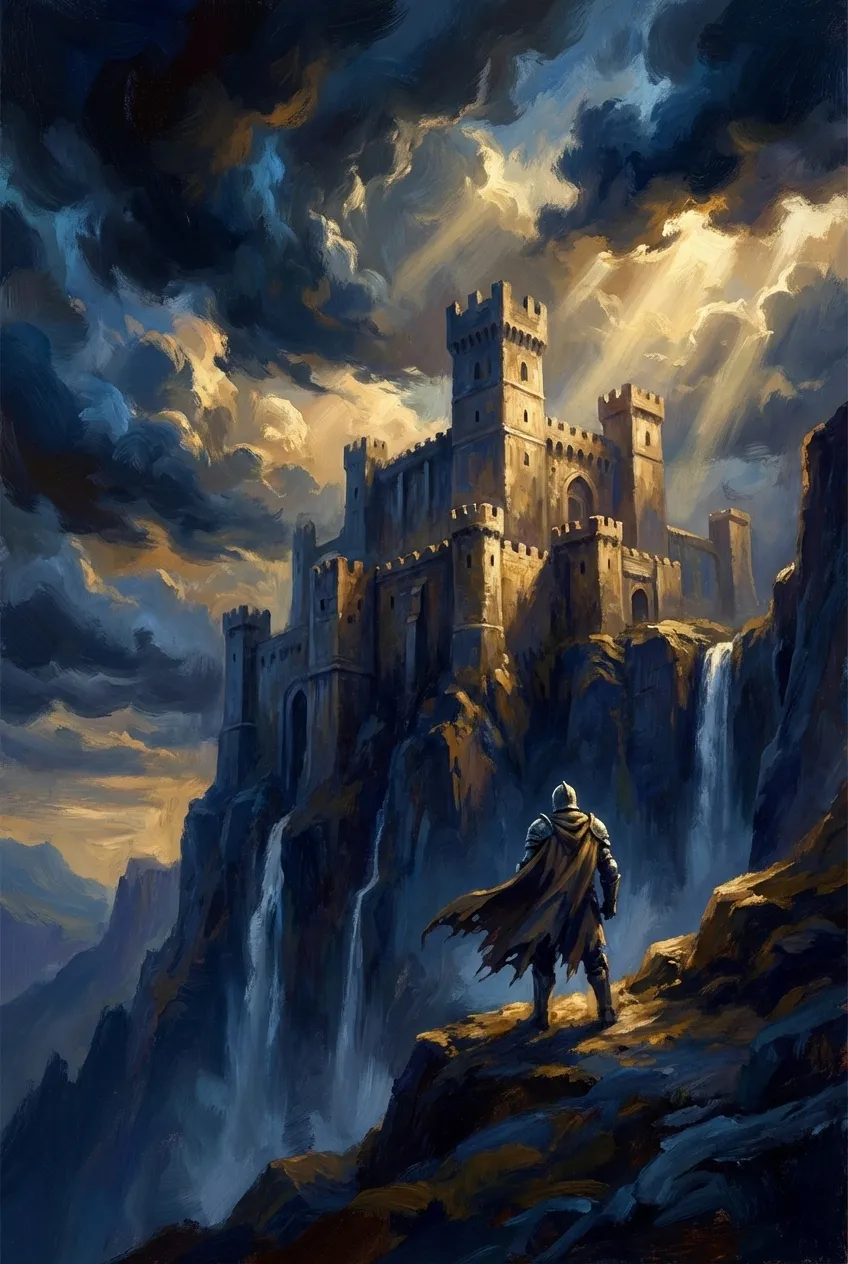
Epic Fantasy cover style

Epic Fantasy

Sweeping landscapes, towering castles, and heroic scale fit for legends.

DragonsKingdomsBattles
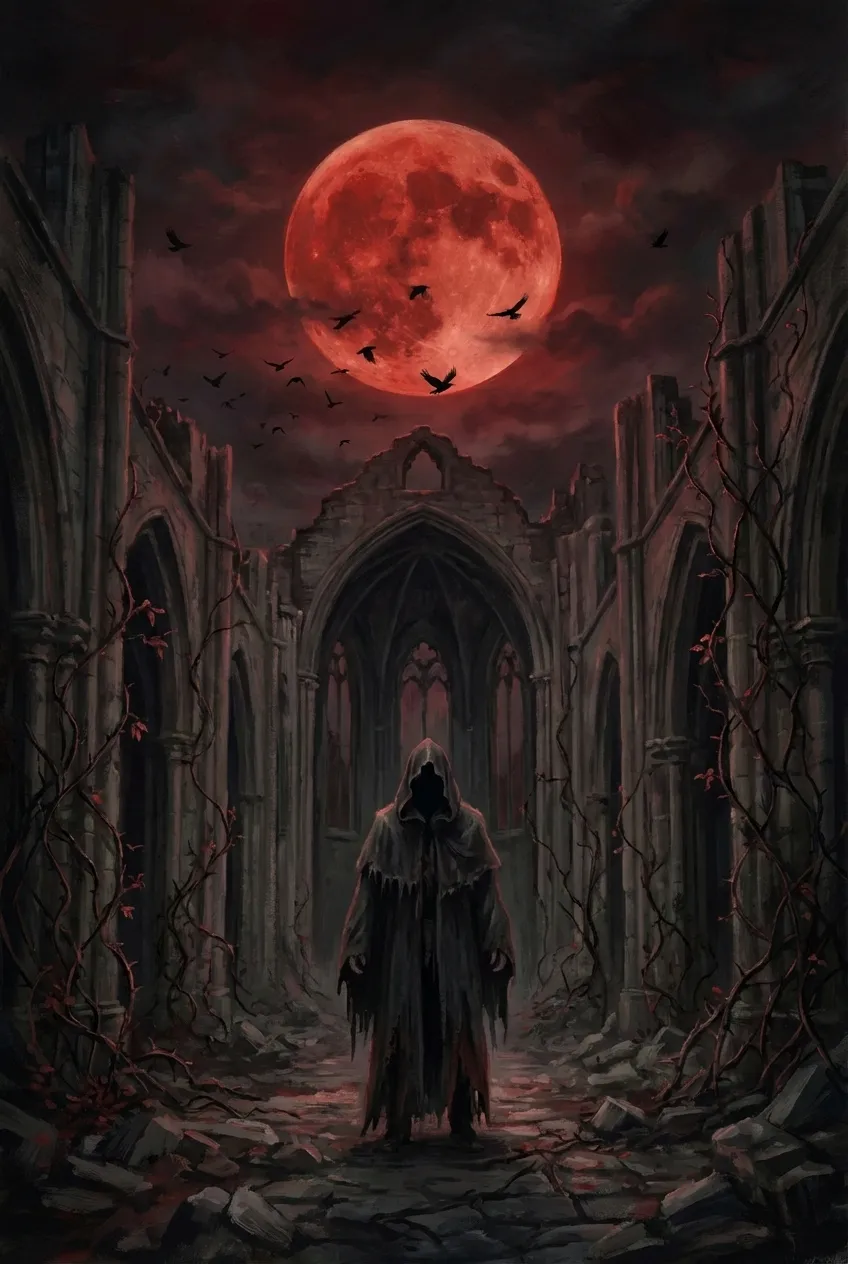
Dark Fantasy cover style

Dark Fantasy

Moody palettes, gothic architecture, and ominous magic.

VampiresShadowsGothic
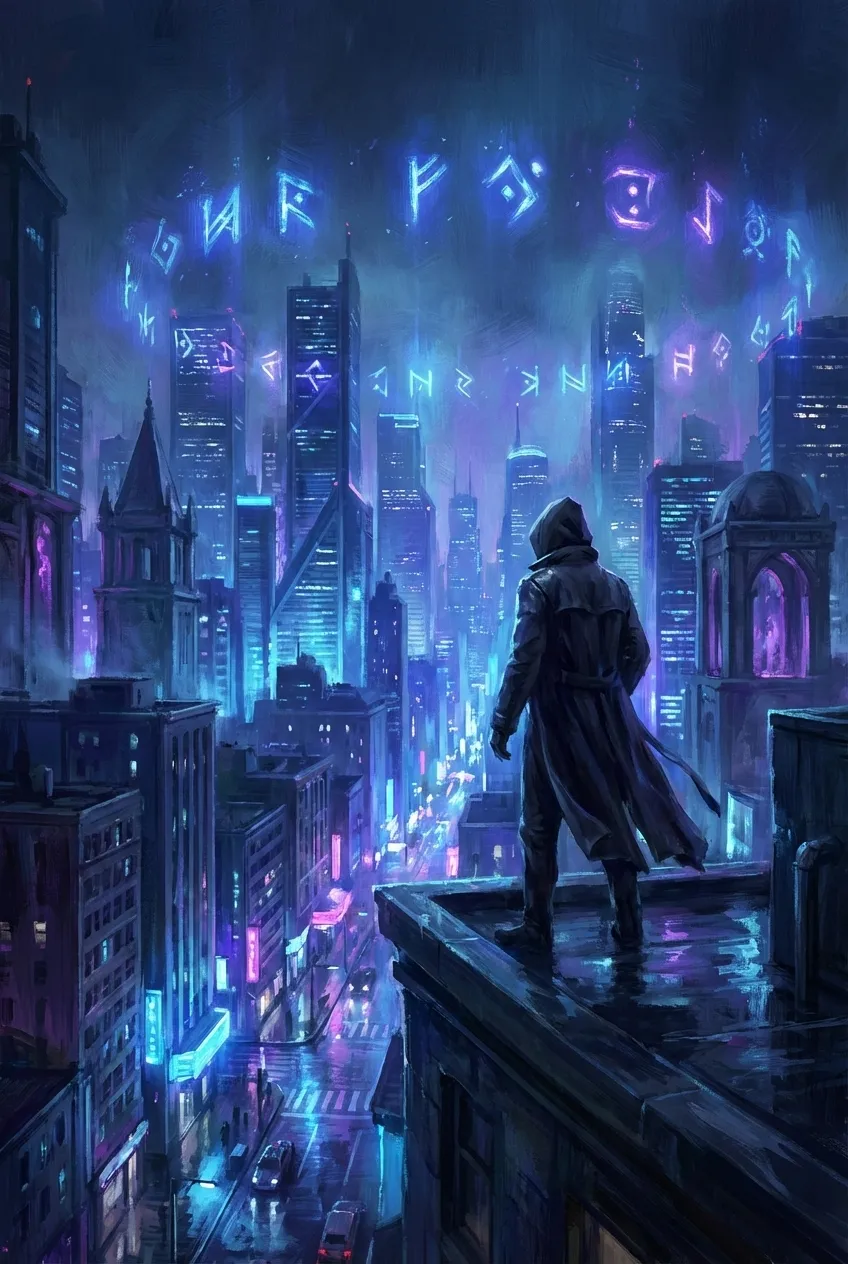
Urban Fantasy cover style

Urban Fantasy

Modern cityscapes infused with hidden magic and neon glow.

CityNeonModern Magic
Romantasy cover style

Romantasy

Ethereal romance, soft light, and enchanting fantasy vibes.

RomanceEtherealSoft Light
Sword & Sorcery cover style

Sword & Sorcery

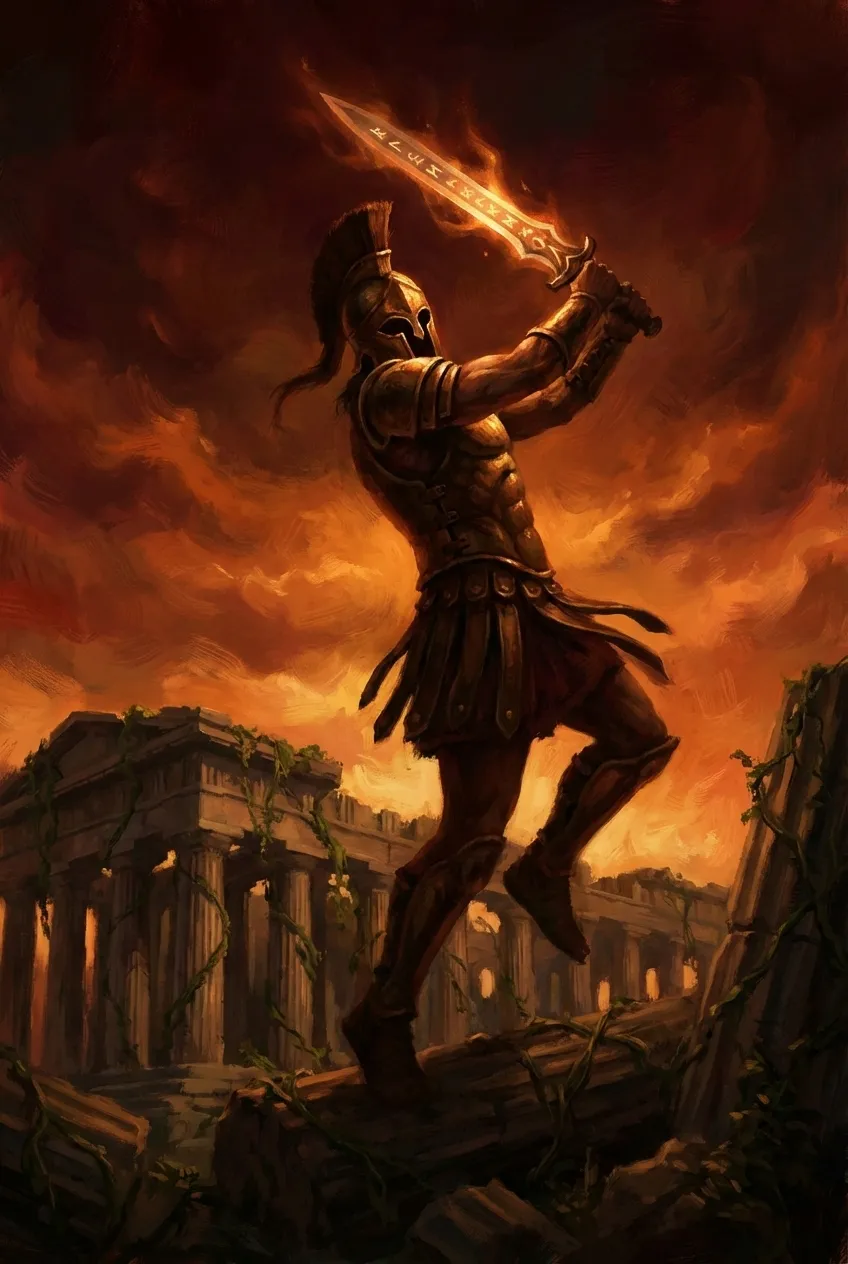
Action-forward heroes, sharp steel, and perilous quests.

WarriorsSwordsAction
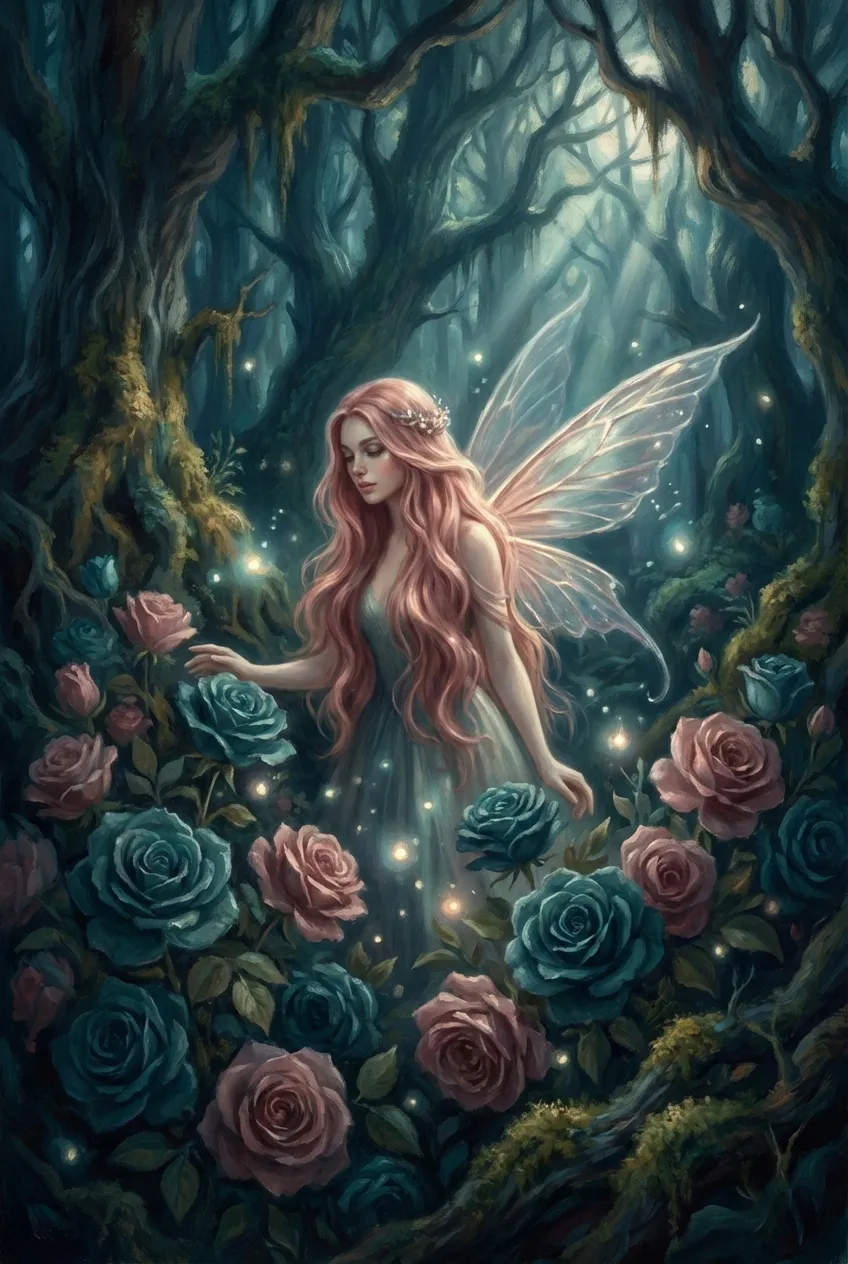
Fairy Tale & Mythic cover style

Fairy Tale & Mythic

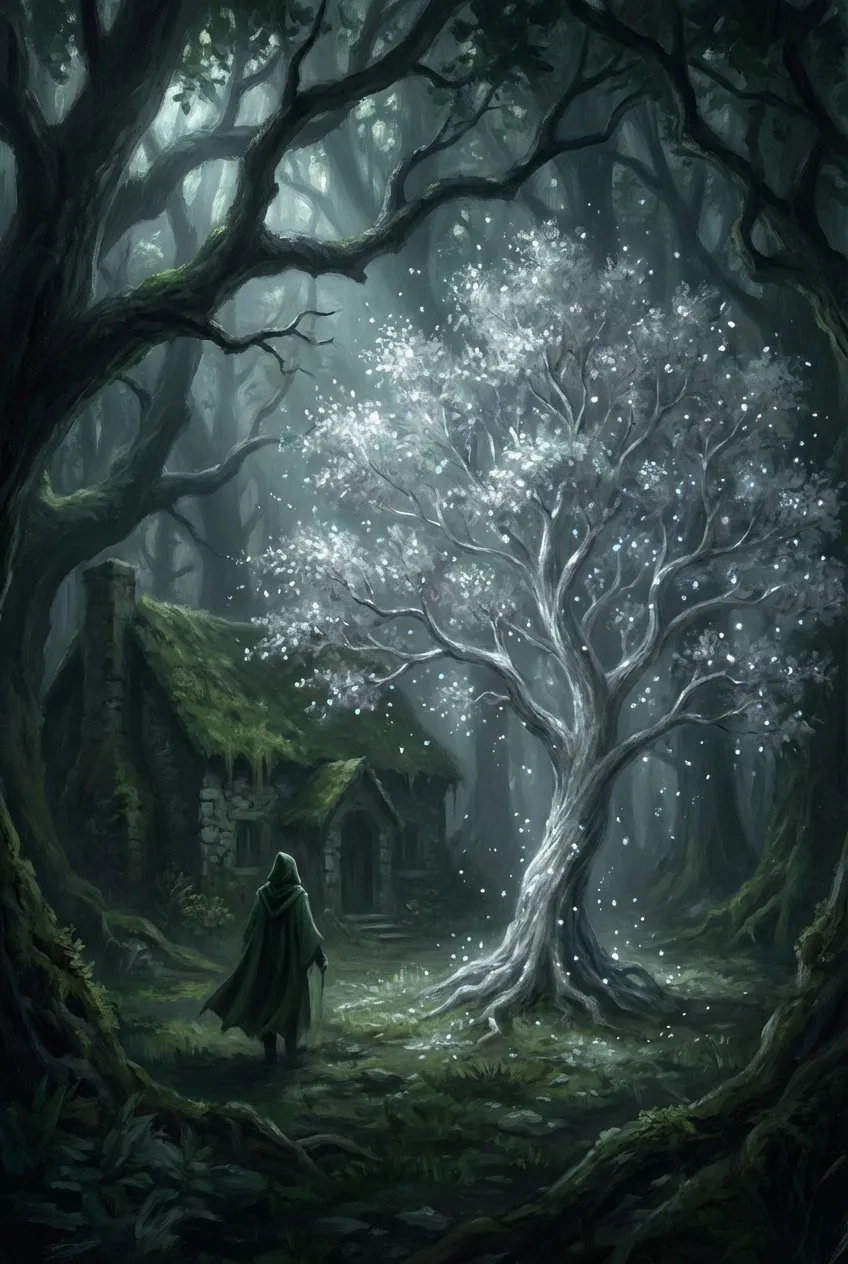
Dreamlike forests, whimsical creatures, and storybook charm.

ForestsFairiesMagical

Describe Your Book Cover

Tell us about your book and choose a genre style to get started.

+ Subtitle

Genre and style are applied automatically. Add the scene, mood, or details you want.

Generation quality

Recommended for a finished cover

3 credits

Style Preview

Fantasy · Epic Fantasy

Epic Fantasy preview

Example imagery updates based on genre and style.

Fantasy book cover ideas

Match the cover idea to the kind of fantasy you are writing

Fantasy searches are often inspiration-led. Use these directions to decide what belongs on the cover before you generate, from dragon silhouettes and magic systems to gothic, urban, or romantic fantasy signals.

Epic Fantasy Covers

Use large-scale settings, distant kingdoms, storm light, dragons, or lone heroes to make the book feel mythic and expansive.

Prompt angle

Epic fantasy cover with a cloaked hero facing an ancient city, storm clouds, dragon silhouette, gold and indigo palette.

Dark Fantasy Covers

Lean into gothic architecture, ruined thrones, blood moons, ravens, and a restrained palette for a darker supernatural tone.

Prompt angle

Dark fantasy book cover with a broken crown in a ruined cathedral, blood moon, ravens, black and crimson mood.

Urban Fantasy Covers

Mix modern streets with magic: neon signs, rain, glowing runes, city silhouettes, and a central figure with power.

Prompt angle

Urban fantasy cover in a rain-soaked alley, glowing blue rune, modern city skyline, cinematic neon atmosphere.

Romantasy Covers

Use symbolic objects, roses, crowns, moonlight, soft contrast, and emotional tension when the romance is central.

Prompt angle

Romantasy cover with a silver crown wrapped in roses, moonlit black background, elegant serif title, romantic tension.

Dragon Book Covers

Make the dragon readable in silhouette, then use mountains, firelight, clouds, or scale contrast to sell adventure.

Prompt angle

Dragon fantasy book cover with a massive dragon above snowy mountains, tiny traveler below, firelight and mist.

Fairy Tale & Magic Covers

Try enchanted forests, portals, spellbooks, luminous trees, and softer color palettes for wonder and mythic charm.

Prompt angle

Fairy tale fantasy cover with an enchanted forest portal, glowing spellbook, silver trees, soft emerald and gold light.

How to Make a Fantasy Book Cover

Create a fantasy eBook cover in one place, from the first story details to the final download.

Add Your Book Details

Add Your Book Details

Enter the book title, author name, and a short cover idea with the scene, mood, or fantasy elements you want readers to notice.

Choose Genre and Style

Choose Genre and Style

Fantasy is selected by default. Choose epic, dark, urban, romantasy, dragon, or fairy tale styling, or switch Genre if your book needs another direction.

Generate Your eBook Cover

Generate Your eBook Cover

Generate a high-resolution eBook cover from the selected Genre, Style, and your cover idea. The style sample is replaced by the generated result.

Review and Download

Review and Download

Review the mood, focal image, title readability, and thumbnail strength, then download the eBook cover. Print tools remain available as separate next steps.

What Makes a Great Fantasy Book Cover?

A strong fantasy book cover signals subgenre fast, builds a world at a glance, and stays readable when readers see it as a small thumbnail. Whether you are shaping an epic dragon cover, a dark fantasy design, or a magical fairy tale look, these details help the cover feel like a real fantasy book.

Epic fantasy worldbuilding cover example with castle and dragon

Worldbuilding at a Glance

Great fantasy book cover art establishes setting instantly. Towering castles and vast battlefields signal epic fantasy. Crumbling gothic cathedrals and blood moons evoke dark fantasy. Neon-lit city skylines mixed with magical runes define urban fantasy. Dragons soaring over medieval landscapes, enchanted forests hiding fairy tale secrets, or warriors wielding magical swords - each element tells readers exactly what world awaits inside.

Fantasy typography styles on sword and sorcery cover art

Typography That Matches Your Magic

Font choice on fantasy book covers signals subgenre faster than imagery alone. Elegant serif fonts with gold foil effects evoke classic epic fantasy. Sharp, angular letterforms with metallic textures suit sword and sorcery adventures. Flowing scripts with ethereal glows work perfectly for romantasy and fairy tale retellings. Bold sans-serifs with neon accents capture urban fantasy energy.

Dark fantasy mood and color palette cover example

Color Psychology for Fantasy Covers

Colors trigger emotional responses that make or break fantasy book cover design. Deep golds and warm ambers suggest heroic epic fantasy. Crimson reds and midnight blacks create the tension of dark fantasy and vampire tales. Electric blues and neon purples sell urban fantasy magic. Soft silvers and forest greens evoke fairy tale wonder.

Fantasy creature and magical focal element cover example

Iconic Focal Elements

The most effective fantasy book covers highlight a single powerful focal point that sparks curiosity. A dragon silhouette against a burning sky. A cloaked figure before an ancient portal. A magical sword radiating ethereal light. A vampire castle shrouded in mist. These iconic elements work because they're instantly recognizable fantasy imagery readers associate with stories they love.

Prompt guidance

Write a fantasy prompt the generator can actually use

The best results usually come from a clear fantasy subgenre, one focal subject, a setting, and a mood. Keep the idea specific before choosing ebook or print format inside the generator.

SubgenreMain subjectSettingMoodColor paletteTypography tone

A [subgenre] fantasy book cover featuring [main subject] in [setting], with [mood], [color palette], and typography that feels [tone].

Publishing Use and Output Paths

Create a fantasy cover direction, then download a no-watermark JPG eBook front cover, or continue into a KDP print path when your plan needs a full wrap.

  • Clean JPG Download

    Download a fantasy eBook front cover as a JPG at 1600 × 2560 pixels, without a watermark.

  • Publishing Use

    Use the downloaded fantasy cover for your own book listings, author pages, and launch materials.

  • Digital and Print Paths

    Use the ebook path for a front cover file. Continue into a KDP paperback or hardcover path only when you need spine, back cover, and print-ready output.

Cover Output Options

Start with an eBook front cover. Continue to a KDP print path only when your book needs a full wrap.

eBook Front Cover

Size: 1600 × 2560 px

Front cover for eBook publishing. Designed around a 1600 x 2560 px front-cover canvas.

Fantasy Book Cover FAQ

Common questions about creating fantasy book covers with AI

What makes a good fantasy book cover design?

The best fantasy book covers instantly communicate subgenre through visual cues. Epic fantasy covers feature sweeping landscapes, castles, and heroic figures. Dark fantasy covers use moody lighting, gothic elements, and ominous atmospheres. Urban fantasy covers blend modern cityscapes with magical elements. Dragon book covers showcase these iconic creatures prominently. Beyond imagery, great fantasy cover art uses typography that matches the tone - elegant serifs for classic fantasy, sharp metallics for sword and sorcery, flowing scripts for romantasy. Color palette matters too: golds for heroic tales, crimsons and blacks for dark fantasy, neons for urban settings. The cover must be legible and compelling at thumbnail size since most readers discover books through Amazon search results.

Can I use AI-generated fantasy book covers commercially on Amazon?

Yes. You can use covers you download for your own book publishing, sales listings, and promotion. BookCoverAI does not claim ownership of those downloads.

What size should a fantasy book cover be for Amazon KDP?

This generator creates a 1600 x 2560 pixel vertical eBook front cover, a commonly used 1:1.6 ratio. Publishing requirements differ by platform, so check the current rules for your destination. Use a separate print tool when you need a spine and back cover.

How do I create a fantasy book cover with dragons, magic, vampires, or medieval elements?

Simply describe the fantasy elements you want in your cover prompt. For a dragon book cover, write something like: 'Epic fantasy cover with a massive dragon flying over a medieval castle at sunset, golden light, heroic atmosphere.' For dark fantasy with vampires: 'Gothic vampire cover with a cloaked figure before a crumbling cathedral, blood moon, ravens, dark and ominous.' For fairy tale magic: 'Enchanted forest cover with glowing fairy lights, silver trees, mystical atmosphere.' The AI understands fantasy visual conventions and generates professional fantasy book cover art matching your description. Be specific about mood, colors, and key elements for best results.

How much does a professional fantasy book cover cost?

The fantasy cover generator is free to try. Check the current pricing page for any credits or paid downloads, since offers and pricing can change.

What fantasy book cover styles can the AI generate?

Our AI fantasy book cover generator supports all major fantasy subgenres: Epic Fantasy (sweeping landscapes, castles, dragons, heroic battles), Dark Fantasy (gothic architecture, vampires, ominous atmospheres, blood moons), Urban Fantasy (modern cities, neon lights, contemporary magic), Romantasy (ethereal beauty, soft lighting, romantic fantasy elements), Sword & Sorcery (action poses, warriors, magical weapons), and Fairy Tale/Mythic Fantasy (enchanted forests, mythical creatures, storybook aesthetics). You can also create hybrid styles or specify particular elements like medieval settings, magic book covers with glowing runes, or specific creature types.

How can I make an AI fantasy cover look more like a real book cover?

Start with a specific subgenre, one strong focal image, a clear setting, and a limited color palette. After generation, check whether the title is readable, the main subject is clear in thumbnail view, and the typography matches the fantasy tone. If the result feels like artwork but not a cover, simplify the prompt and make the book title hierarchy more important.

Can I create a series of matching fantasy book covers?

Yes. To create consistent fantasy book covers across a series, use similar prompts with the same style descriptors, color palette, and compositional elements. For example, if your epic fantasy series features a dragon, describe the same dragon style and color scheme in each cover prompt while varying the background or scene. Our AI maintains stylistic consistency when given similar instructions, making it ideal for fantasy series that need cohesive branding across multiple books - whether you're writing dark fantasy, urban fantasy, or classic sword and sorcery adventures.

Related Book Cover Generators

Explore other genre-focused cover generators and style directions for your next book.

Sci-Fi Book Cover Generator

Create space opera, cyberpunk, dystopian, and retro sci-fi covers.

Try it free

Romance Book Covers

Generate stunning romance covers for contemporary, historical, dark romance & more.

Try it free

Comic Book Cover Generator

Create bold comic book and graphic novel covers with AI for indie creators.

Try it free

KDP Cover Generator

Amazon KDP covers for Kindle eBooks, paperbacks & hardcovers with exact specs.

Try it free

Ready to Create Your Fantasy Cover?

Pick a fantasy direction, choose the right cover format, and create a cover concept that matches your story.

Format is selected before generation so ebook and print paths stay aligned.

LogoBookCoverAI

AI book cover generation for self-published authors.

Email
Product
  • Book Cover Generator
  • KDP Cover Generator
  • KDP Cover Size Calculator
  • ISBN Barcode Generator
  • Ebook to KDP Paperback Cover
  • Wattpad Cover Maker
  • 3D Book Mockup Generator
Genres
  • Book Cover by Genre
  • Romance Book Covers
  • Fantasy Book Covers
  • Cookbook Covers
  • Children's Book Covers
  • Comic Book Covers
  • Sci-Fi Book Covers
  • Poetry Book Covers
  • Mystery Book Covers
  • Business Book Covers
Support
  • Features
  • Pricing
  • FAQ
  • About
  • Contact
Legal
  • Cookie Policy
  • Privacy Policy
  • Refund Policy
  • Terms of Service
  • Acceptable Use Policy
  • DMCA / Copyright
© 2026 BookCoverAI All Rights Reserved.