Is the self-help book cover generator free to use?
Yes. New accounts receive free credits to generate covers. You need to sign in to use credits. Check the pricing page for current packages if you need more generations or print-ready downloads.
You should not need a designer for a self-help cover. Start from your book, not from a template everyone else already used.
Free to try · Sign-in for credits

Not a finished cover. A look in the same direction as the book. If one of these is close, start there.
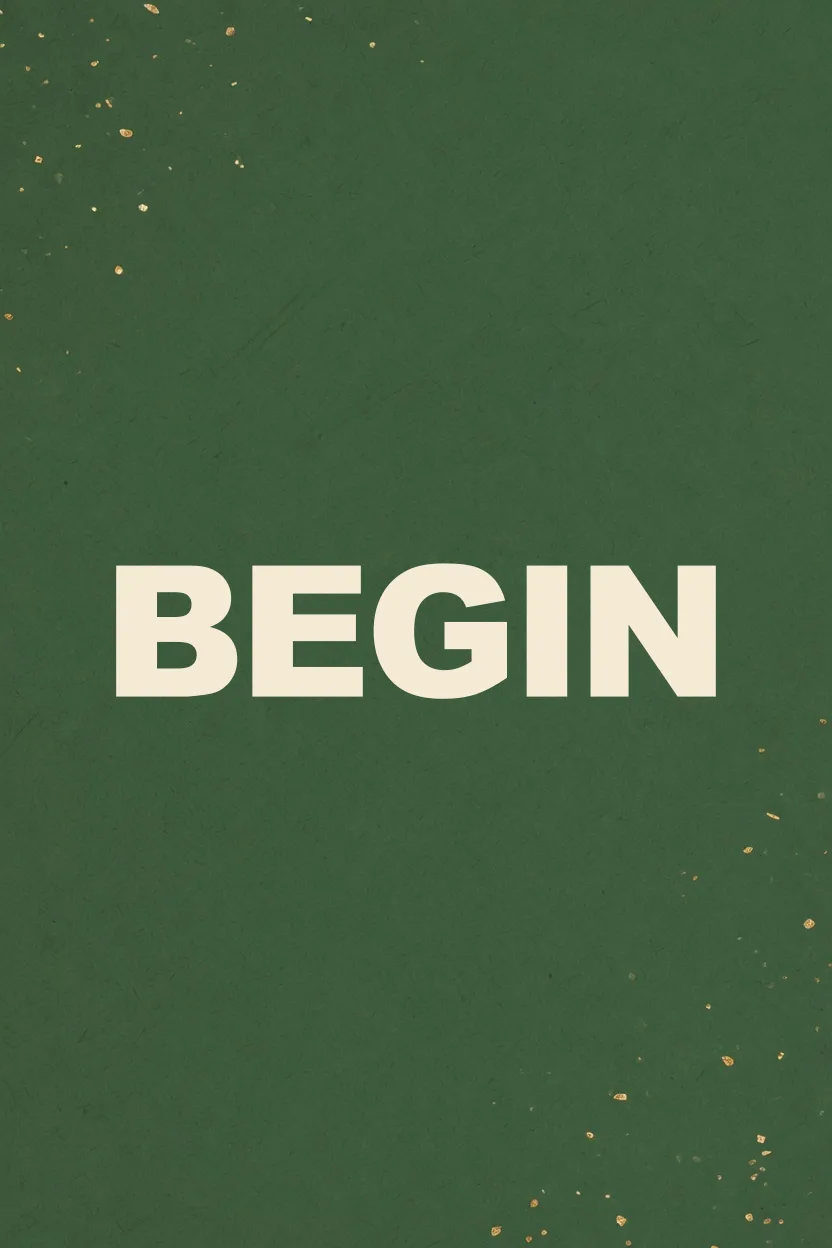
The title does the work. One color, no clutter.
huge title on a solid color

One thing stands for the change.
one simple object, clean background

A way forward, not a boardroom.
a path toward morning light
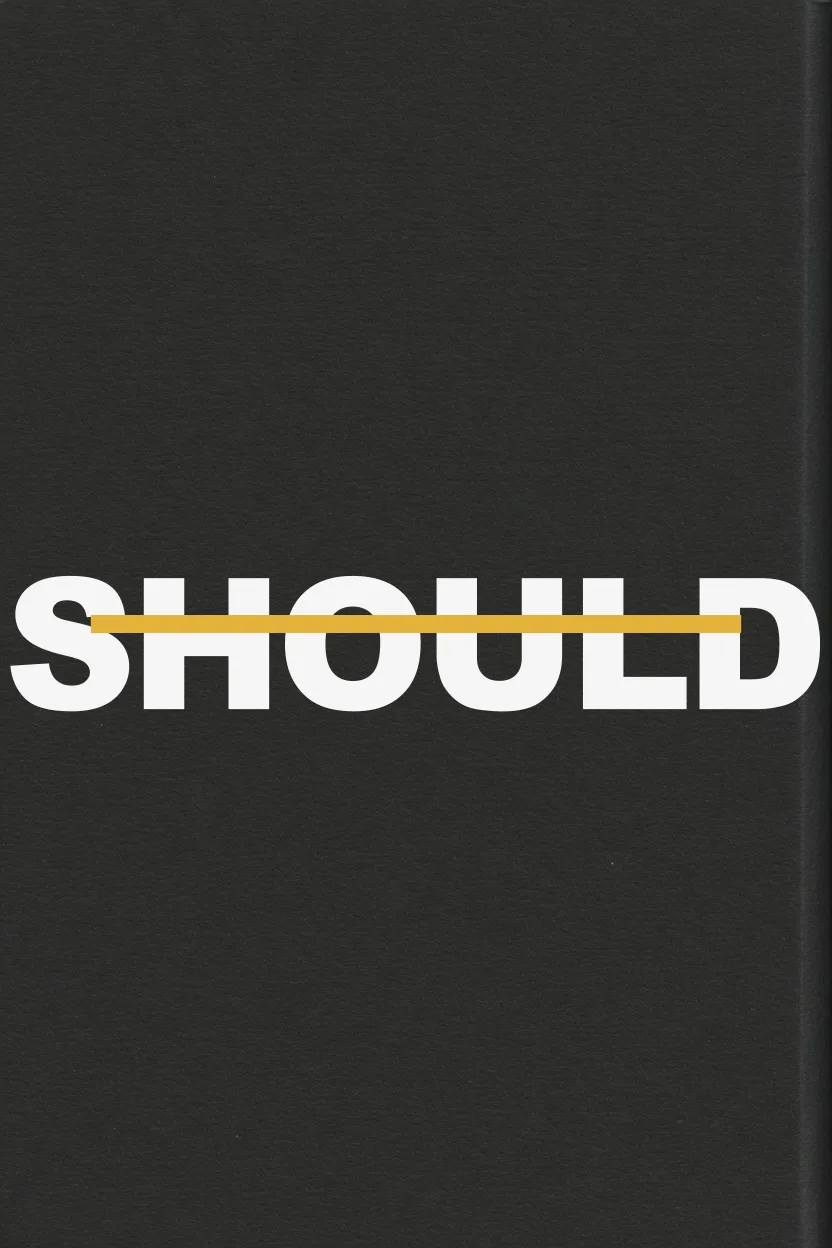
What you stop believing is the point.
title crossed out, bold and simple
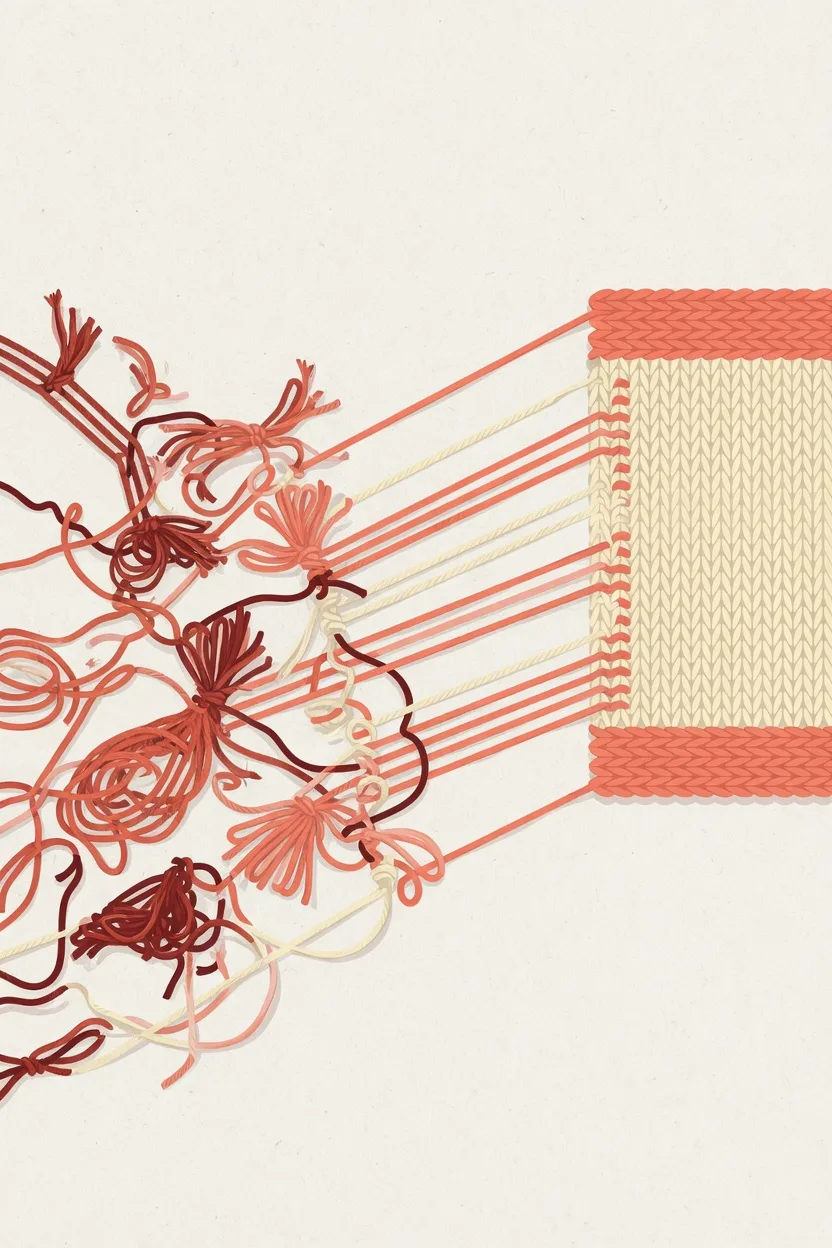
The mess becomes one clear shape.
tangled lines becoming one clear shape

Something better after what burned.
something burnt becoming a bloom
Tell us about your book and choose a genre style to get started.
0 / 10000
Genre and style are applied automatically. Add the scene, mood, or details you want.
Use an image you own to guide style, layout, color, or character.
Don't upload photos of real people, celebrities, or stills and fan art from movies, TV, or anime. Those get blocked and the generation fails. Original art, textures, and color palettes work best.
Style Preview
Self-Help · Self-Help
Example imagery updates based on genre and style.
Four steps from your book details to a downloadable eBook front cover.

Enter your title, author, and a cover idea: the change readers should feel first.

Browse the looks for inspiration, or describe the change in your own words.

Generate your cover from your book details and direction.

Check the promise and title, then download.
A self-help cover should promise a better life the reader can step into.

Show the result the book helps someone reach in their own life: a steadier habit, a clearer mind, a next step they can take. Title and central visual should carry that promise in one glance.

The reader should feel spoken to, not hired. Prefer warmth, a human scale, and one concrete object or place over empty slogans.

Put the reader in a day they could wake up to: morning light, a quiet table, a door they can walk through. The picture should feel like their life.

Give the eye one thing to hold: a path, a practice, a single object. Five metaphors at once look busy, not helpful.
Warm colors are not enough. The cover has to promise one change the reader can see.
Hard grids and cold color make the book feel assigned. Keep the art at a human scale, about the reader’s own day.
A pretty sky without a change, a practice, or a next step looks generic. Name what gets better.
If the title and the idea compete with decoration, the cover fails at thumbnail size. Keep one clear sentence the eye can catch.
If the name disappears when the cover is small, readers cannot find the book. Ask for stronger contrast on the title.
Download a no-watermark eBook front cover for your own publishing and promotion.
eBook front cover download
Download a JPG front cover designed around a 1600×2560 canvas, without a watermark.
Publishing workflow use
Use the file for your own book listings, author pages, and launch materials.
Print when you need a full wrap
Continue in the generator for paperback or hardcover only when you need spine, back cover, and print-ready output.
Start with an eBook front cover. Continue to a KDP print path only when you need a full wrap.
Size: 1600 × 2560 px
Front cover for eBook publishing. Designed around a 1600 x 2560 px front-cover canvas.
Yes. New accounts receive free credits to generate covers. You need to sign in to use credits. Check the pricing page for current packages if you need more generations or print-ready downloads.
Yes. You add your title, author, and a short cover idea, pick a cover direction, and the AI builds the eBook front cover from your words. No designer required.
No. You describe the change you want and pick a direction. The generator handles the layout and artwork—no Photoshop, no template editor, no design experience.
In four steps: add your book details, pick a cover direction, generate the eBook front cover, and download it. It takes a few minutes, from your words to a cover you can download.
Yes. You can use covers you download for your own book publishing, sales listings, and promotion. BookCoverAI does not claim ownership of those downloads.
The first download is a JPG eBook front cover on a 1600×2560 canvas, without a watermark. Use it for your own publishing and promotion.
Explore other genre-focused cover generators and style directions for your next book.
Create professional covers for leadership, startup, finance, and strategy books.
Amazon KDP covers for Kindle eBooks, paperbacks & hardcovers with exact specs.
Create minimalist, lyrical, and typography-led poetry book covers.
Create beautiful cookbook and recipe book covers with AI for KDP.
Add your title and author, start from a look if one is close, and generate an eBook front cover.
Free to try with sign-in credits · eBook first, print when ready