Is the business book cover generator free to try?
Yes. New accounts receive free credits to generate covers. You need to sign in to use credits. Check the pricing page for current packages if you need more generations or print-ready downloads.
Professional covers for leadership, startup, finance, and personal brand books. Clear title, credible tone, AI-generated artwork—download a high-resolution eBook front cover when you're ready.
Free to try · Sign-in credits

Business covers need authority, a clear promise, and readable type. Pick a direction, then add your title and author in the generator.
These are starting directions, not fixed templates.

Bold type, structured layout, and calm authority for executive and strategy readers.
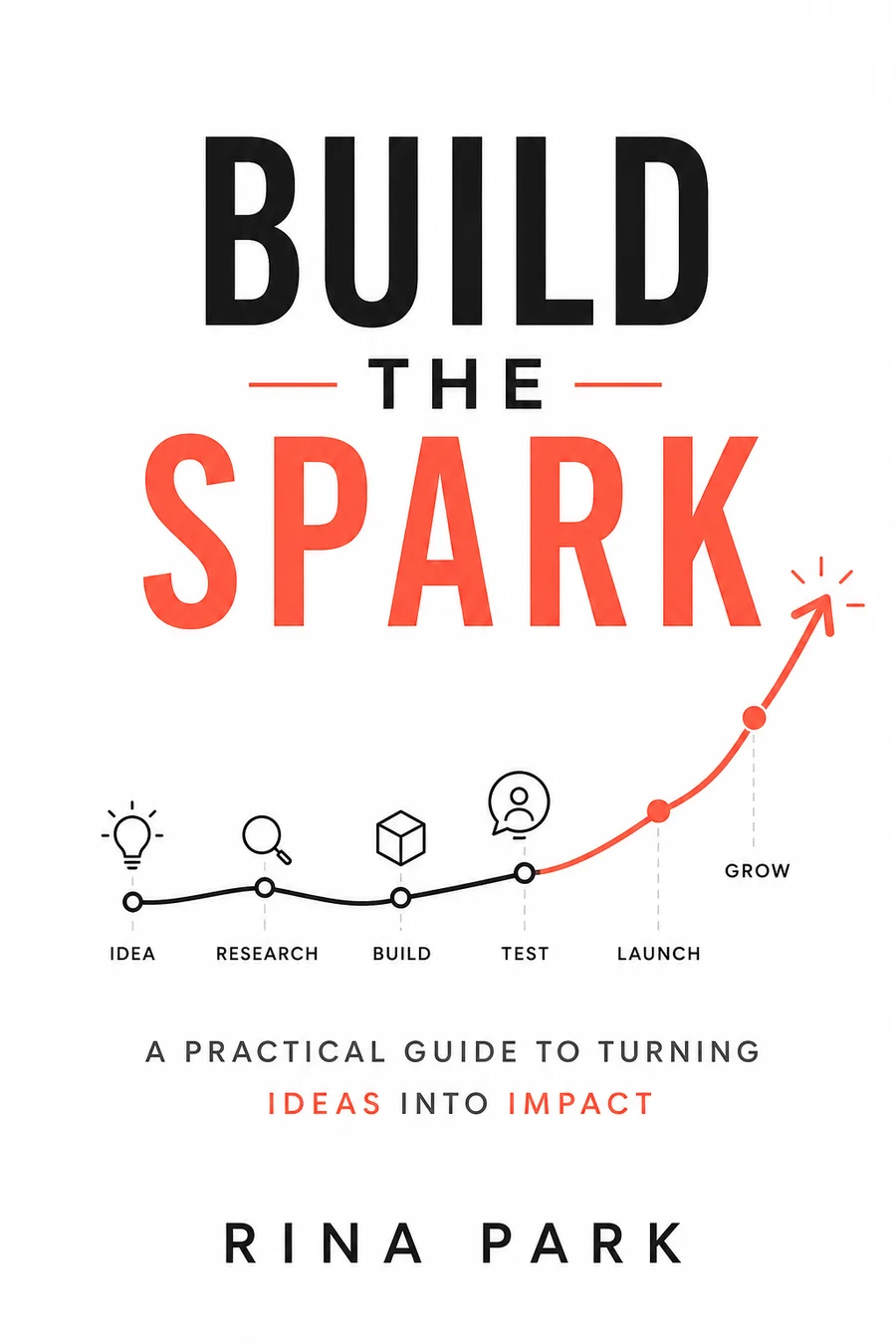
Clean space, modern energy, and bright accents for founders and growth books.

Dark palette, numerical cues, and restrained contrast for trust-first finance books.

Author-forward framing and clean hierarchy for consultants, coaches, and experts.
Tell us about your book and choose a genre style to get started.
Genre and style are applied automatically. Add the scene, mood, or details you want.
Use an image you own to guide style, layout, color, or character.
Don't upload photos of real people, celebrities, or stills and fan art from movies, TV, or anime. Those get blocked and the generation fails. Original art, textures, and color palettes work best.
Style Preview
Business · Leadership Strategy
Example imagery updates based on genre and style.
Four steps from a business direction to a downloadable eBook front cover.

Enter the title, author name, and a short cover idea: who the book is for and what outcome it promises.

Business is selected by default. Pick Leadership Strategy, Startup Innovation, Finance & Investing, or Personal Brand, or switch genre if the book needs another lane.

Generate a high-resolution eBook front cover from the selected direction and your cover idea. The style sample is replaced by the result.

Check title readability and professional tone, then download the eBook front cover. Continue to paperback or hardcover full wrap only when you need print.
Use these category cues when you write the cover idea. They help the result match how that reader shops for books.
Bold typography, structured layouts, and restrained color for executive and strategy readers who want confidence over hype.
Clean space, forward motion, and modern tech cues for founder, product, and growth books.
Premium dark palettes, numerical cues, and quiet contrast for trust-first finance and investing titles.
Author positioning, a signature color, and clear hierarchy for consultants, coaches, and expert nonfiction.
Business readers decide fast. The cover should show the outcome of the book, not a generic office scene.

State the result the book helps create: clearer strategy, stronger leadership, better decisions, or measurable growth. Title and central visual should carry that promise in one glance.

Handshakes, skylines, and random boardrooms rarely position a book. Prefer structure, contrast, and one specific visual idea that matches the argument.

Business covers often sell on type. Keep the title dominant, the author secondary, and enough calm space below the title if your book uses a subtitle on the finished design.

A startup playbook, leadership book, investing guide, and consulting manifesto should not look the same. Choose the direction that matches the buyer you want to attract.
These problems make a business cover look like a slide deck or a generic stock template. Check them before you download.
Skylines, handshakes, and office stock rarely create a book position. Replace them with one idea that matches the promise of the book.
If the title, author name, and decorative marks compete, the cover fails at thumbnail size. Keep one clear hierarchy and leave calm space under the title when the finished book uses a subtitle.
Arrows, charts, circles, and icons should support one idea. When everything is a metaphor, nothing is readable.
Finance needs trust. Startup can feel energetic. Leadership needs authority. If the tone mismatches the shelf, regenerate with a different direction.
Download a no-watermark eBook front cover for your own publishing and promotion.
eBook front cover download
Download a JPG front cover designed around a 1600×2560 canvas, without a watermark.
Publishing workflow use
Use the file for your own book listings, author pages, and launch materials.
Print when you need a full wrap
Continue in the generator for paperback or hardcover only when you need spine, back cover, and print-ready output.
Yes. New accounts receive free credits to generate covers. You need to sign in to use credits. Check the pricing page for current packages if you need more generations or print-ready downloads.
No. The directions on this page start a new AI generation. They are not fixed layouts you only recolor. You still enter your title, author, and cover idea for each result.
Yes. Choose Startup Innovation, Finance & Investing, Leadership Strategy, or Personal Brand, then describe the tone you want: bold, premium, practical, innovative, or expert-led.
The first download is a JPG eBook front cover on a 1600×2560 canvas, without a watermark. You can use it for your own publishing and promotion.
Many business books use a subtitle to state the promise. When you review a result, check that the title stays dominant and that the layout leaves calm space under the title if your finished book includes a subtitle. The generator currently places title and author text on the cover.
Start with the eBook front cover. When you need spine, back cover, and print-ready output, continue in the generator for paperback or hardcover. Platform upload checks still apply on the site where you publish.
Explore other genre-focused cover generators and style directions for your next book.
Create self-help covers that promise personal change.
Amazon KDP covers for Kindle eBooks, paperbacks & hardcovers with exact specs.
Create minimalist, lyrical, and typography-led poetry book covers.
Create beautiful cookbook and recipe book covers with AI for KDP.
Choose a direction, add your title and author, describe the promise of the book, and generate an eBook front cover.
Free to try with sign-in credits · eBook first, print when ready