Is the thriller book cover generator free to use?
Yes. New accounts receive free credits to generate covers. You need to sign in to use credits. Check the pricing page for current packages if you need more generations or print-ready downloads.
Templates are never about your book. Say what the cover should feel like, and the generator builds it from your words.
Free to try · Sign-in for credits

Not a finished cover. A look in the same direction as the book. If one of these is close, start there.
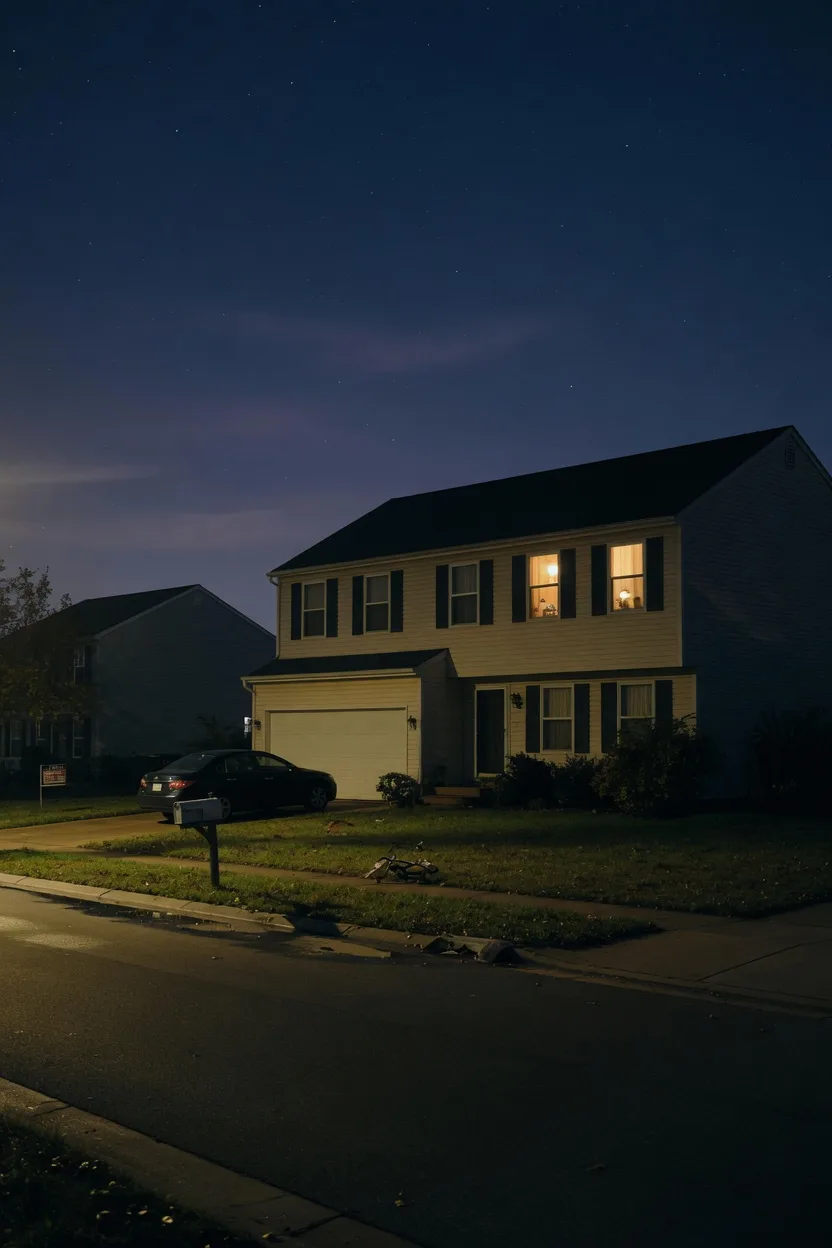
The house looks ordinary. One room is not.
dark house, one window lit
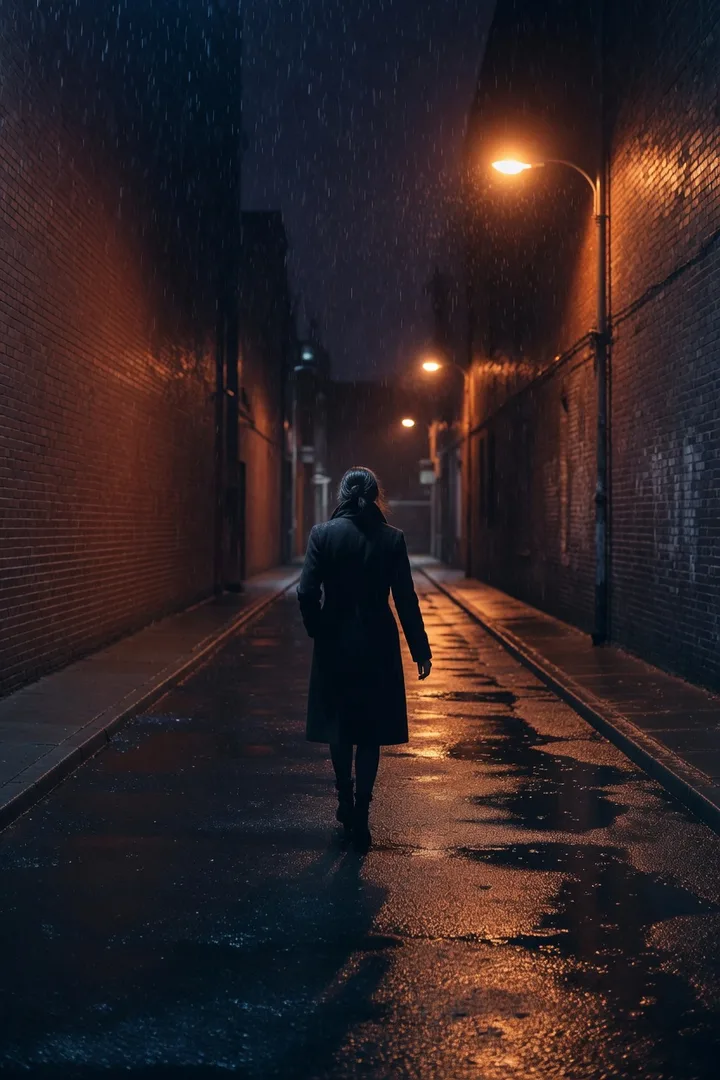
One person. The street is already wrong.
lone figure walking away at night
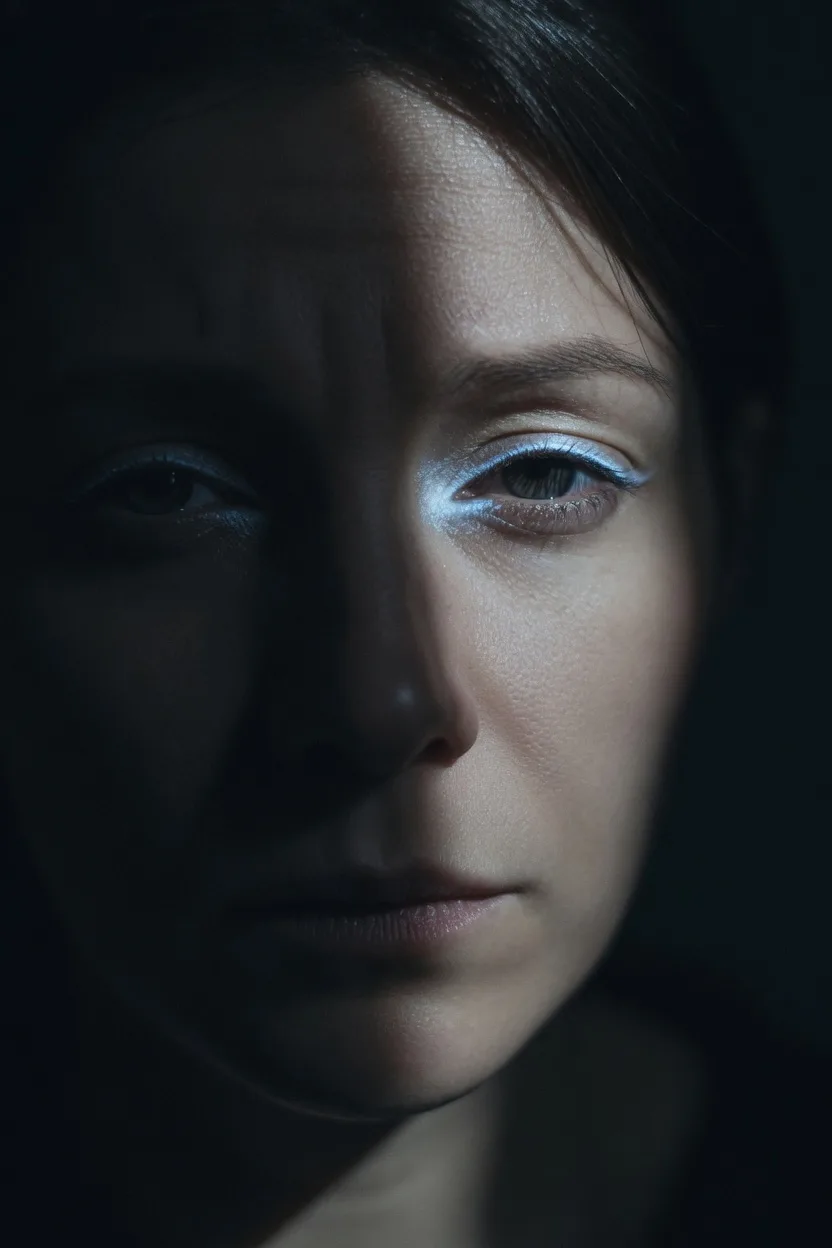
You cannot quite see who is looking.
face half in shadow
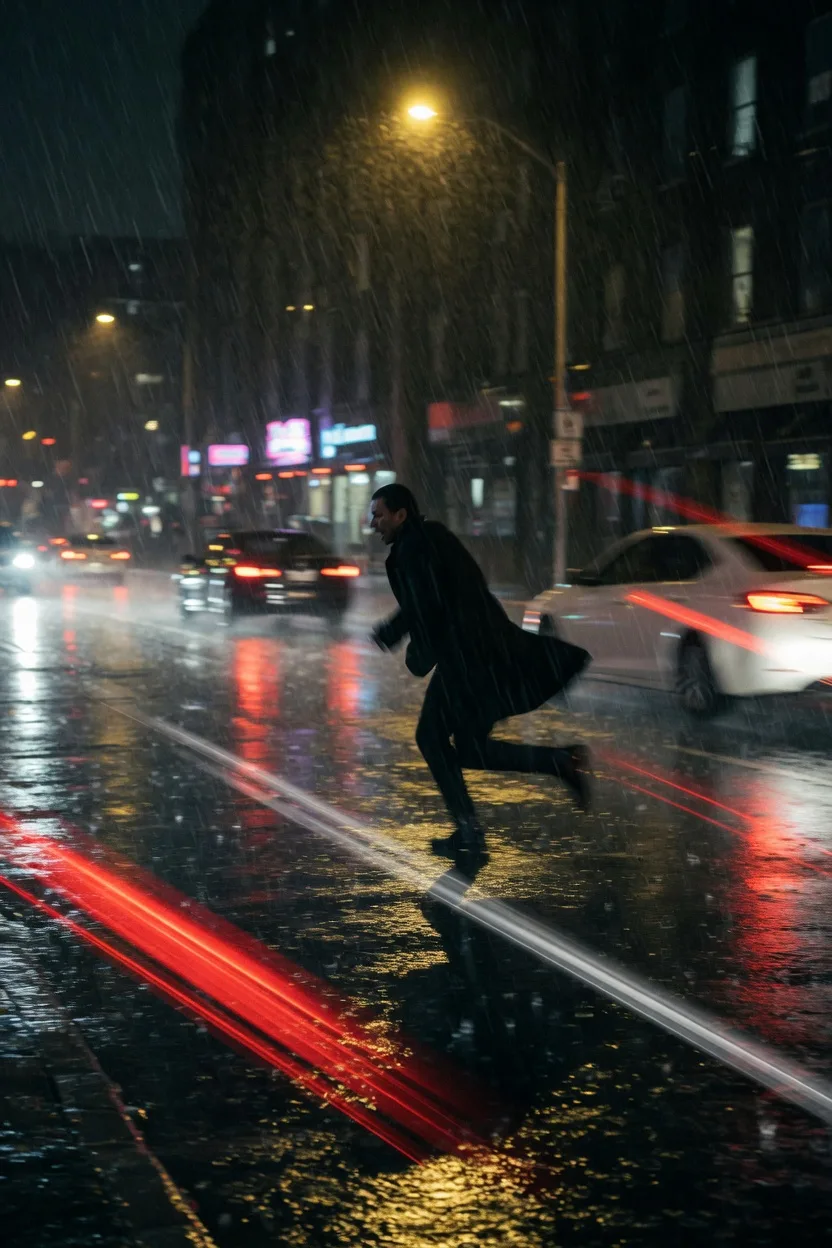
The danger is close enough to run from.
running figure, wet street, headlights
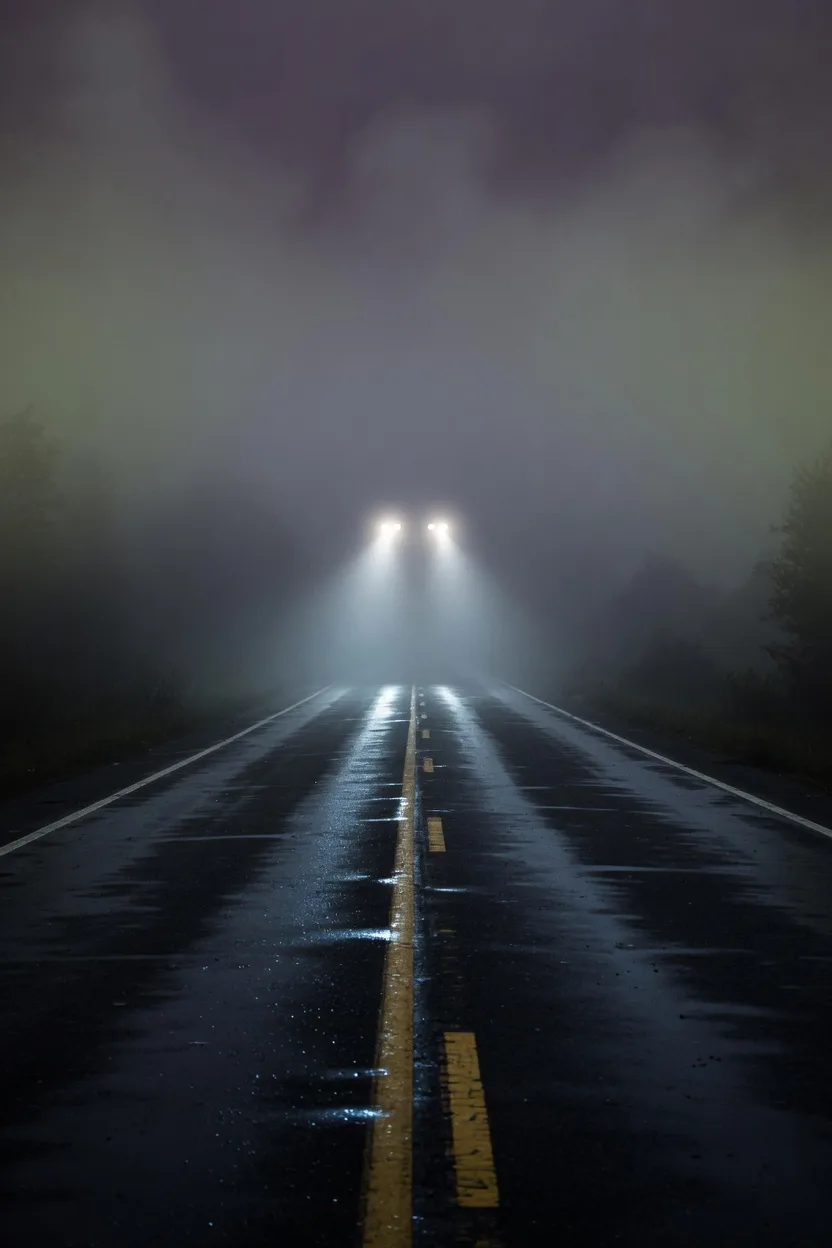
Keep moving. The dark does not.
empty road in fog, headlights
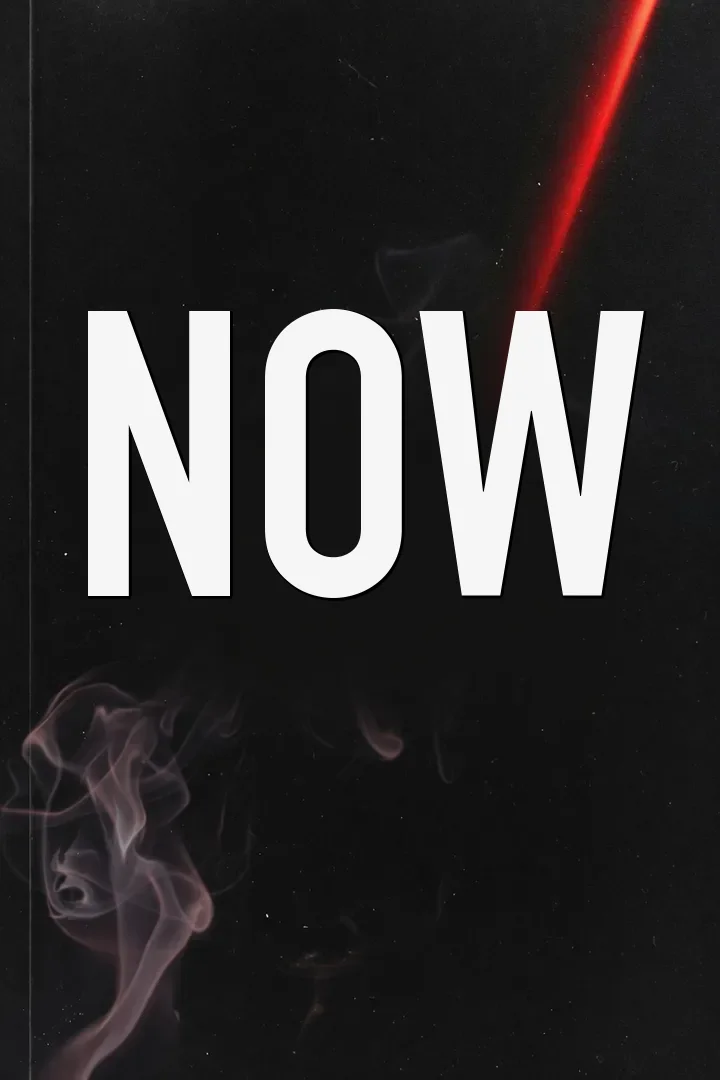
The name itself should feel like a warning.
huge condensed title on black
Tell us about your book and choose a genre style to get started.
0 / 10000
Genre and style are applied automatically. Add the scene, mood, or details you want.
Use an image you own to guide style, layout, color, or character.
Don't upload photos of real people, celebrities, or stills and fan art from movies, TV, or anime. Those get blocked and the generation fails. Original art, textures, and color palettes work best.
Style Preview
Thriller · Thriller
Example imagery updates based on genre and style.
Four steps from your book details to a downloadable eBook front cover.

Enter your title, author, and a cover idea: the chase, countdown, or threat readers should feel first.

Browse the looks for inspiration, or describe the threat in your own words.

Generate your cover from your book details and direction.

Check the threat and title, then download.
Readers pick a thriller in a second. The cover has to feel unsafe before they read a word.

Covers that sell keep one thing in the frame: a house, a face, a figure. The picture implies what is wrong. It does not retell the plot.

If the picture feels calm, it will not be picked as a thriller. Something in it has to feel wrong before anyone reads the title.

A lone figure walking away, standing in a doorway, or caught on an empty street. Crowds and full action scenes flatten the threat.

Thriller covers stay dark, but a flat black square disappears. One window, one pair of headlights, one streak of red gives the eye a place to land.
Darkness is not enough. The cover has to feel unsafe in one glance.
A black palette with nothing in it disappears. Keep one house, one figure, or one light the eye can hold.
A single clue on a desk asks the reader to solve. A thriller cover names the threat, the countdown, or the chase instead.
Monsters and haunted houses sit on a different shelf. Keep the danger human, present, and grounded in a real place.
If the name disappears when the cover is small, readers cannot find the book. Ask for stronger contrast on the title.
Download a no-watermark eBook front cover for your own publishing and promotion.
eBook front cover download
Download a JPG front cover designed around a 1600×2560 canvas, without a watermark.
Publishing workflow use
Use the file for your own book listings, author pages, and launch materials.
Print when you need a full wrap
Continue in the generator for paperback or hardcover only when you need spine, back cover, and print-ready output.
Start with an eBook front cover. Continue to a KDP print path only when you need a full wrap.
Size: 1600 × 2560 px
Front cover for eBook publishing. Designed around a 1600 x 2560 px front-cover canvas.
Yes. New accounts receive free credits to generate covers. You need to sign in to use credits. Check the pricing page for current packages if you need more generations or print-ready downloads.
Yes. Add your title, author, and a short cover idea—the chase, countdown, or threat readers should feel first—pick a direction, and the AI builds the eBook front cover from your words. No designer required.
No. You describe the threat and pick a direction. The generator handles the layout and artwork—no Photoshop, no template editor, no design experience.
In four steps: add your book details, pick a cover direction, generate the eBook front cover, and download it. It takes a few minutes, from your words to a cover you can download.
Yes. You can use covers you download for your own book publishing, sales listings, and promotion. BookCoverAI does not claim ownership of those downloads.
The first download is a JPG eBook front cover on a 1600×2560 canvas, without a watermark. Use it for your own publishing and promotion.
Explore other genre-focused cover generators and style directions for your next book.
Create detective, murder mystery, cozy, and noir mystery covers.
Create space opera, cyberpunk, dystopian, and retro sci-fi covers.
Create bold comic book and graphic novel covers with AI for indie creators.
Amazon KDP covers for Kindle eBooks, paperbacks & hardcovers with exact specs.
Add your title and author, start from a look if one is close, and generate an eBook front cover.
Free to try with sign-in credits · eBook first, print when ready