Can I try the children's cover generator for free?
Yes. You can start with the children's cover generator for free. Credits, high-resolution downloads, and print-ready exports follow the current plan and publishing path you choose.

Children's cover maker for authors
Create picture book, early reader, and educational covers online from your title, reader age, main character, and story mood. Generate an eBook cover, then continue to paperback or hardcover.
Free to try. No blank canvas or design skills needed.
Tell us about your book and choose a genre style to get started.
Genre and style are applied automatically. Add the scene, mood, or details you want.
Use an image you own to guide style, layout, color, or character.
Don't upload photos of real people, celebrities, or stills and fan art from movies, TV, or anime. Those get blocked and the generation fails. Original art, textures, and color palettes work best.
Style Preview
Children's · Storybook & Hand-Painted
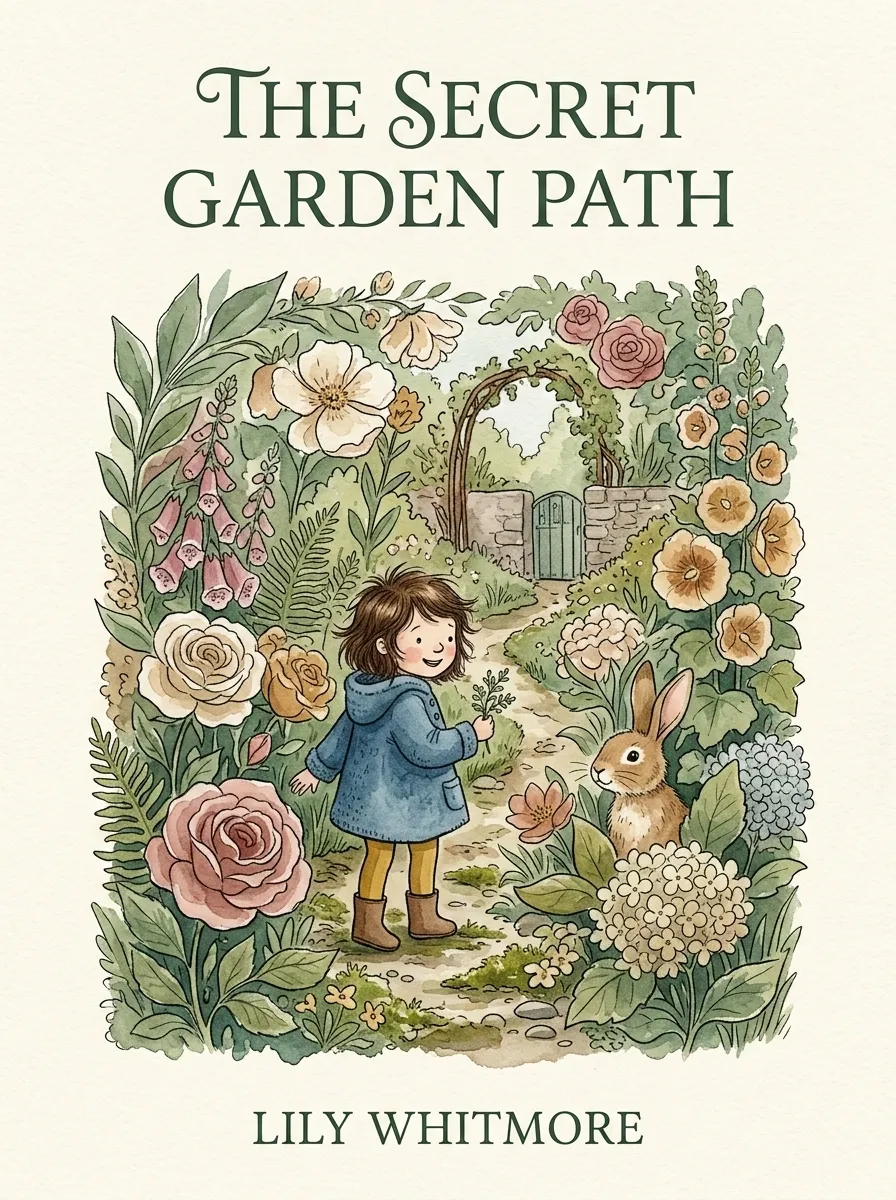
Example imagery updates based on genre and style.
Children's cover examples
Browse every age group, choose a cover direction, then use its suggested visual style as the starting point for your own idea.
Ages 0–5
Large illustrations, bright colors, and simple visual stories.
Ages 6–8
Character-focused covers, playful scenes, and clear title space.
Ages 9–12
Adventure, mystery, fantasy, and contemporary directions with more detail.
Ages 13+
Sophisticated symbols, cinematic scenes, typography, and mature fantasy.
How it works
Move from a story idea to a usable cover without starting from a blank canvas.
Enter the title, author, reader age, main character, setting, or story mood.
Start with a children's genre and choose a watercolor, cartoon, storybook, or age-appropriate style.
Generate a high-resolution eBook front cover from your selected style and cover idea.
Check the character, title readability, and thumbnail clarity, then download or continue to a print path.
Built for self-publishing
Start with the front cover your story needs today. Continue to a print path when your trim size, page count, and binding are ready.
Create a high-resolution front cover for your store listing, reading app, or Kindle library.
Continue with trim size, page count, spine, back cover, bleed, and barcode-safe layout details.
Keep the same children's cover direction while preparing the larger full-cover publishing path.
Clear answers about cover ideas, formats, downloads, and publishing paths.
Yes. You can start with the children's cover generator for free. Credits, high-resolution downloads, and print-ready exports follow the current plan and publishing path you choose.
Add your title and author name, choose Children's and an illustration style, then describe the reader age, character, setting, and story mood in the cover idea.
The page includes picture book, early reader, middle grade, and young adult directions, with hand-painted, cartoon, realistic, minimalist, fantasy, and collage styles.
The first result is an eBook front cover. If you are publishing a paperback or hardcover, continue with the relevant trim size, page count, spine, back cover, bleed, and barcode-safe details for the full-cover path.
The right size depends on the format, trim size, page count, and paper type. eBook covers use a front-cover layout; paperback and hardcover paths calculate the full cover around the print specifications you select.
Yes. You can use covers you download for your own book publishing, sales listings, and promotion. BookCoverAI does not claim ownership of those downloads.
Use an age-appropriate visual direction, a clear title, one memorable focal point, and enough contrast to stay readable as a small Amazon thumbnail.
Yes. Open Reference image and upload your own character art so the next cover can stay close to that child or animal. Expect a family resemblance, not the same face every time. Use original art you have the right to use.
Explore other genre-focused cover generators and style directions for your next book.
Create bold comic book and graphic novel covers with AI for indie creators.
Create epic fantasy, dark fantasy, and urban fantasy covers with AI.
Create minimalist, lyrical, and typography-led poetry book covers.
Create detective, murder mystery, cozy, and noir mystery covers.
Choose a cover direction, describe your story, and create the first version without starting from a blank canvas.