


What makes a good comic book cover?
A good comic book cover has a clear focal point, readable title hierarchy, strong contrast, and a visual signal that quickly tells readers what kind of story they are looking at.
Comic & Graphic Novel Cover Design
For comic and graphic novel authors, this AI comic book cover creator turns your title and cover idea into a downloadable eBook front cover.
Your title, author name, and Cover Idea are enough to start.
Tell us about your book and choose a genre style to get started.
0 / 10000
Genre and style are applied automatically. Add the scene, mood, or details you want.
Use an image you own to guide style, layout, color, or character.
Don't upload photos of real people, celebrities, or stills and fan art from movies, TV, or anime. Those get blocked and the generation fails. Original art, textures, and color palettes work best.
Style Preview
Comic · Superhero
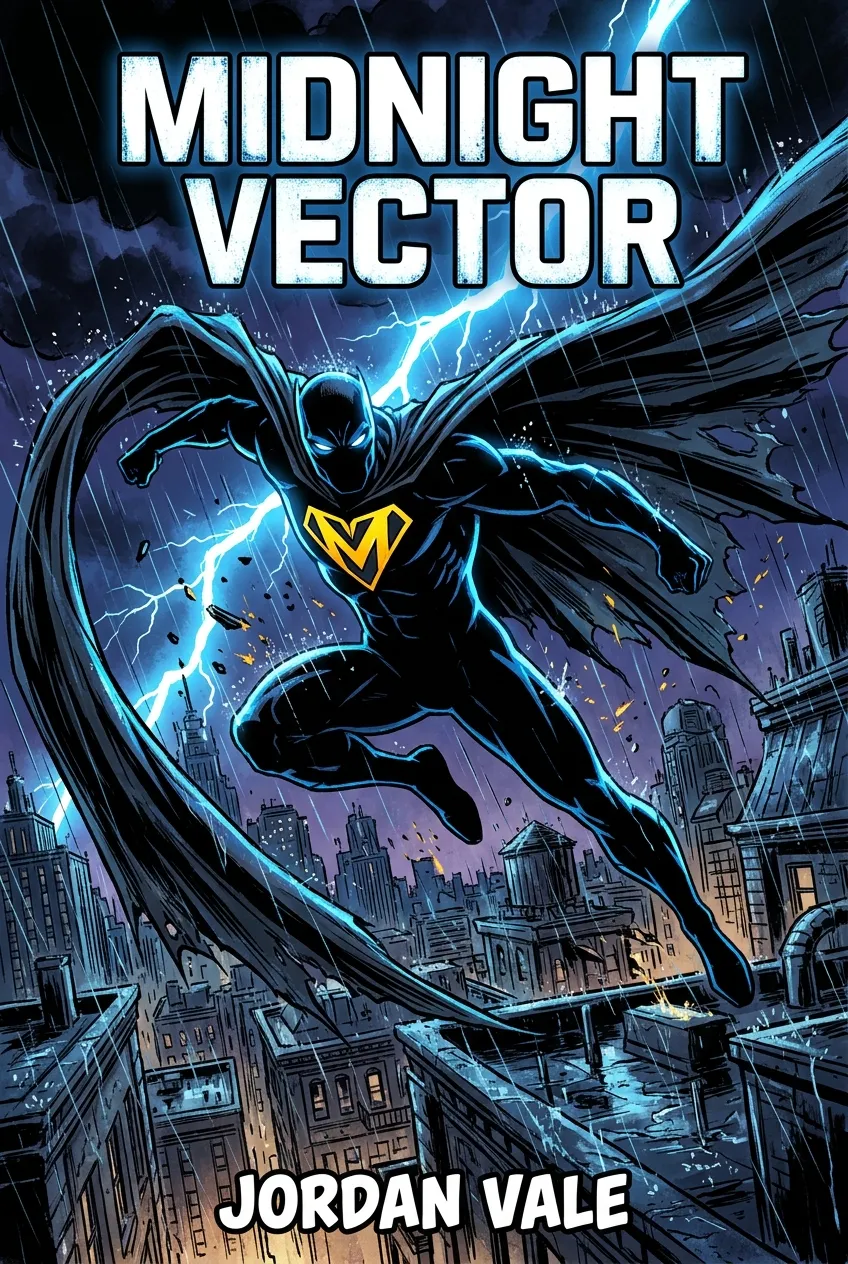
Example imagery updates based on genre and style.
Start with a downloadable eBook front cover. Use a separate print tool when you need a paperback or hardcover full cover.
This comic book cover creator works from your story rather than a fixed template. Choose a direction below, from superhero energy to graphic novel restraint.
Each style button returns you to the generator with that direction selected.
High-energy heroes, bold emblems, and cinematic action built for instant impact.
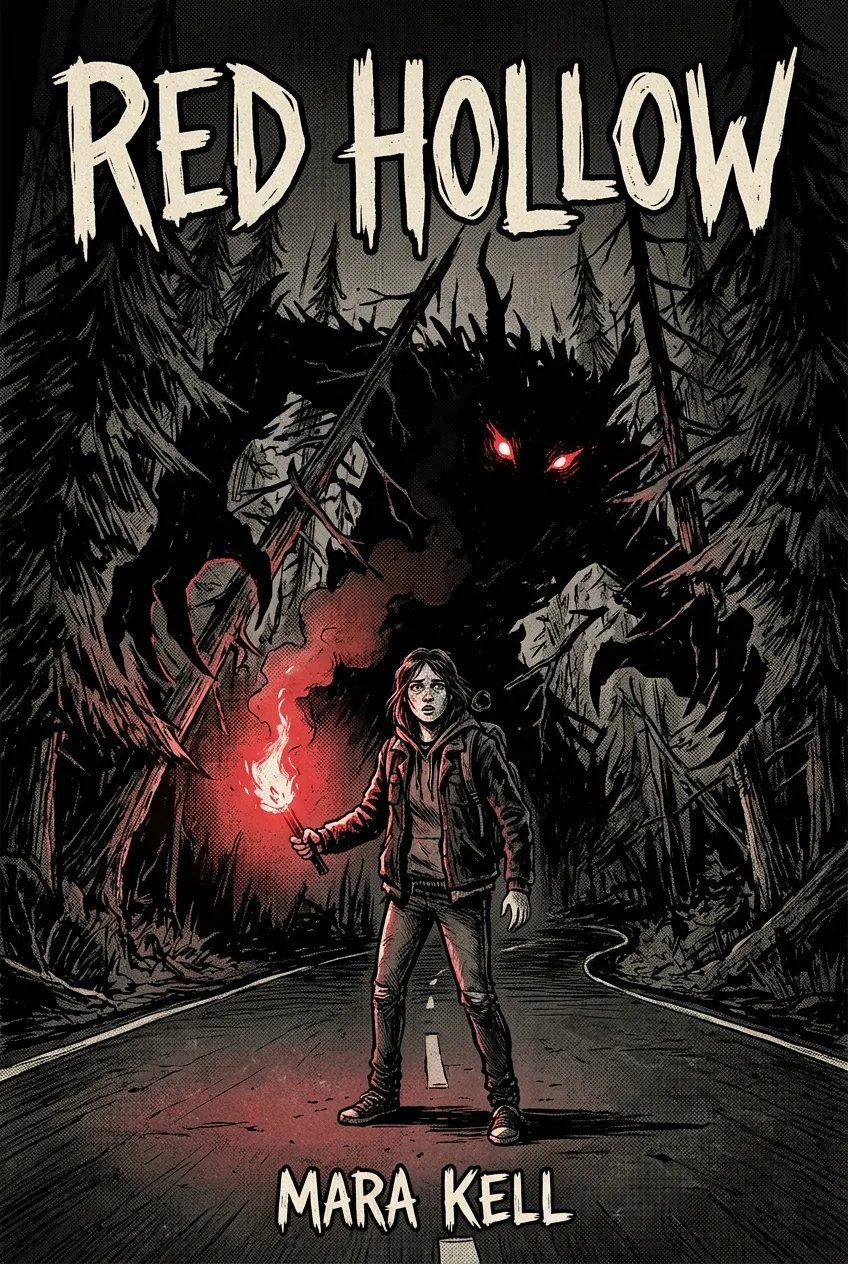
Dark palettes, unsettling shadows, and suspense-forward imagery for chilling stories.
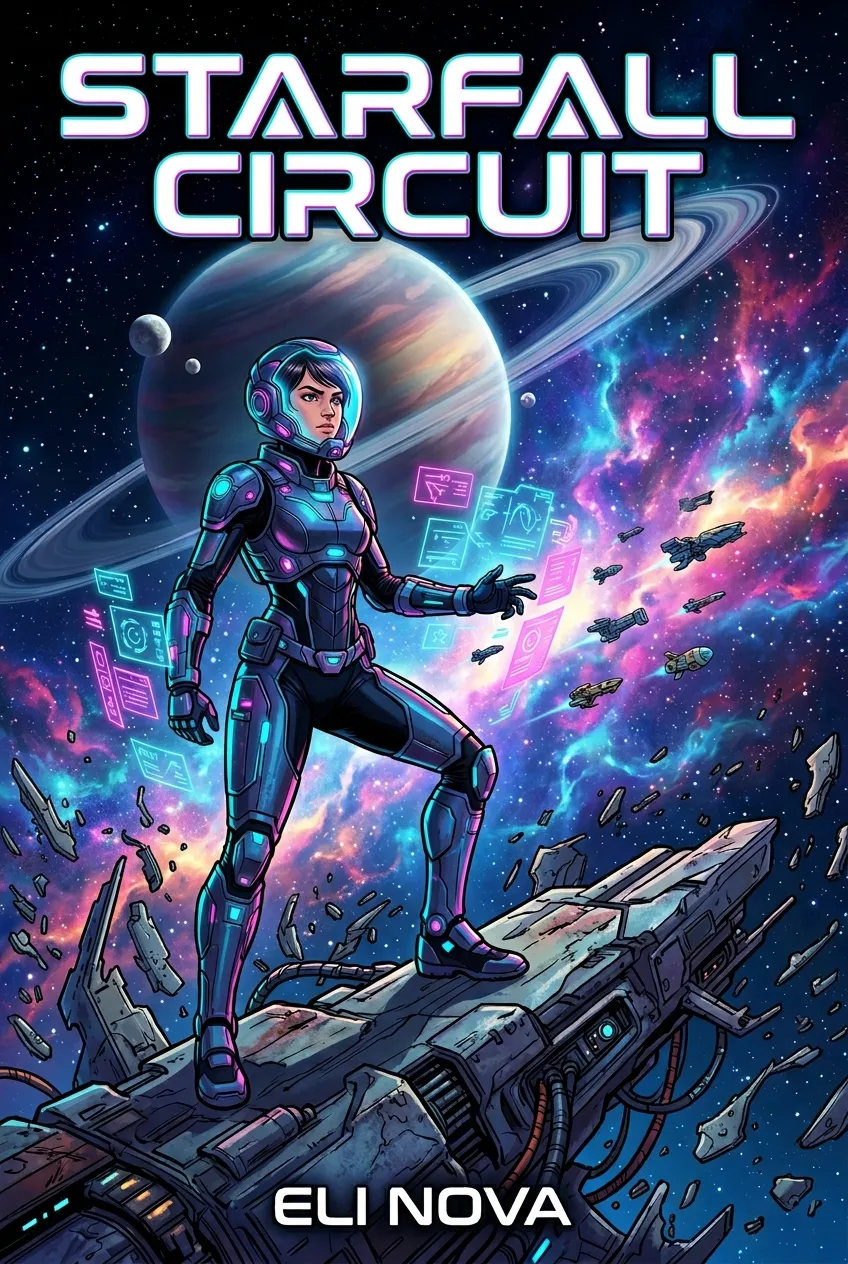
Futuristic worlds, neon contrast, and tech-driven scenes with graphic novel scale.
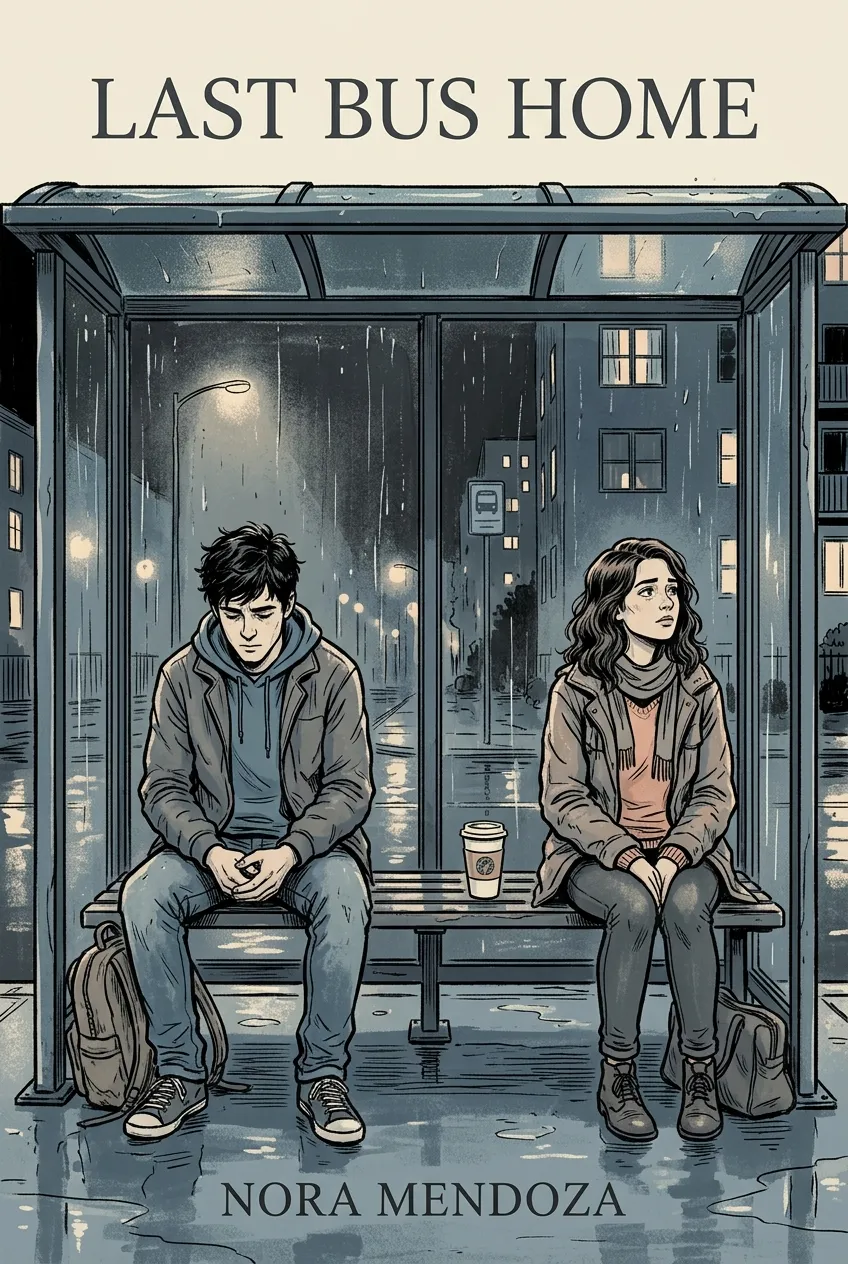
Character-led storytelling with grounded compositions and emotionally readable covers.
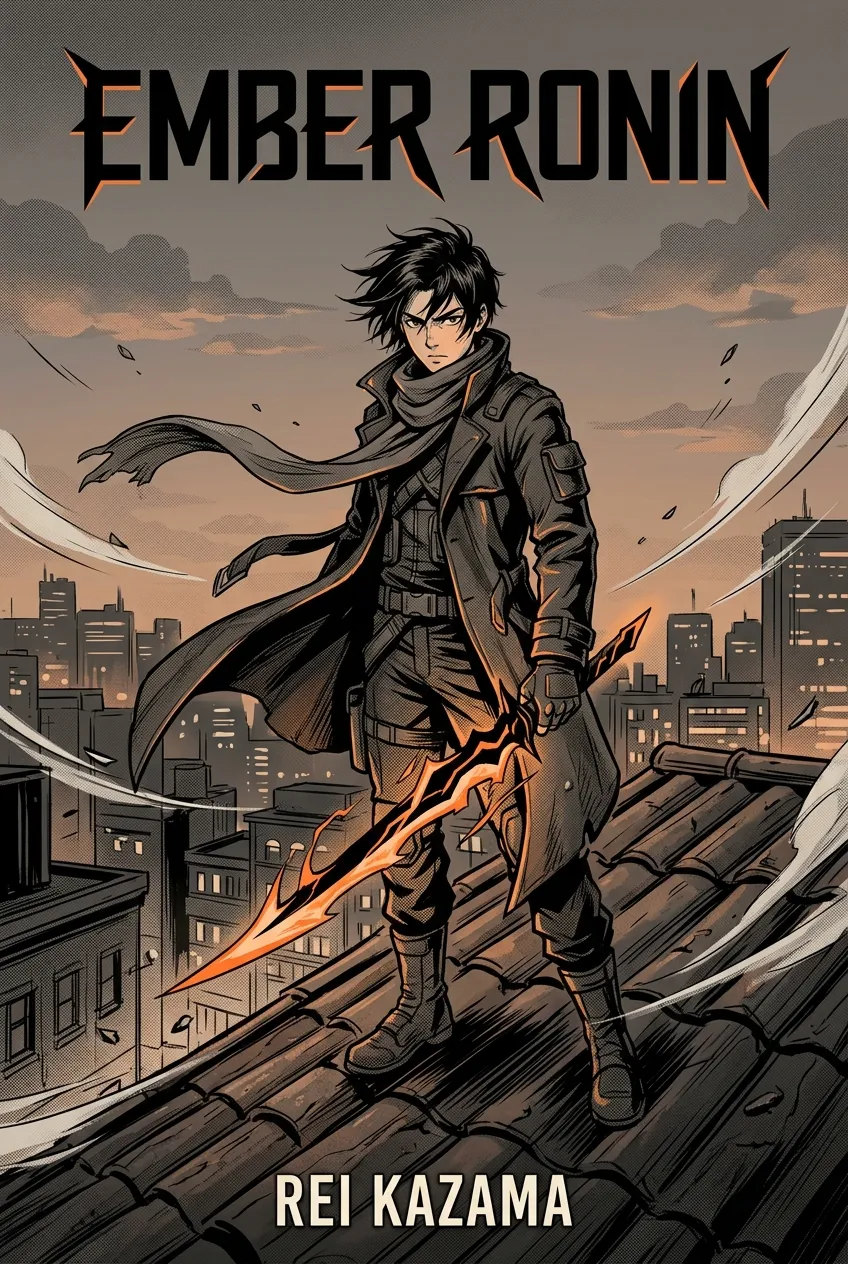
Dynamic linework, expressive faces, and dramatic framing inspired by manga covers.
This comic book cover creator starts from your story details and leaves you with a Comic eBook front cover you can review and download.

Enter the title, author name, and a short cover idea with the main character, conflict, action, color mood, or title feeling.

Comic is selected by default. Choose the style and energy that match your story before you generate.

Generate an eBook front cover from the selected Comic style and your Cover Idea. The style sample is replaced by your result.

Review the focal point, title, and genre signal, then download the eBook cover. Use a separate print tool when you need a full cover.
Before you keep a direction from this comic book cover creator, check the focus, title, and genre signal at the size readers first see.

Let one character, moment, or symbol carry the first impression. A clear focal point gives the rest of the cover a job.

The title should be easy to find instead of disappearing into the art. Review the hierarchy before you keep a direction.

Superhero, horror, sci-fi, manga-inspired, and literary directions should feel different before a reader opens the full image.
A good comic book cover has a clear focal point, readable title hierarchy, strong contrast, and a visual signal that quickly tells readers what kind of story they are looking at.
Start with your title, author name, and a short Cover Idea describing the character, setting, mood, or conflict. Choose a Comic direction, generate the eBook front cover, and review the result.
This page produces a Comic eBook front-cover preview that you can review and download. Use a separate print tool when you need a paperback or hardcover full cover.
You need to sign in before generation. The service uses credits for generation and download actions, and the current pricing page shows the applicable options.
No. This is a comic book cover creator. You describe the character, mood, and conflict, and the cover is generated from that description. You are not picking a fixed layout and dropping your title in.
Yes. You can use covers you download for your own book publishing, sales listings, and promotion. BookCoverAI does not claim ownership of those downloads.
Explore other genre-focused cover generators and style directions for your next book.
Create space opera, cyberpunk, dystopian, and retro sci-fi covers.
Create epic fantasy, dark fantasy, and urban fantasy covers with AI.
Create detective, murder mystery, cozy, and noir mystery covers.
Amazon KDP covers for Kindle eBooks, paperbacks & hardcovers with exact specs.
Create a Comic eBook front cover from your story direction, title, and cover idea.
Start with an eBook front cover. Use a separate print tool when you need a full cover.